deepin 25.0.10 Released: Installer Improvements, File Manager Updates, and Bug Fixes
The deepin team has officially released deepin 25.0.10, an update focused on improving system installation, file management, desktop interaction, and overall stability. This release fixes many known issues and refines daily workflows while keeping the deepin 25 base unchanged.
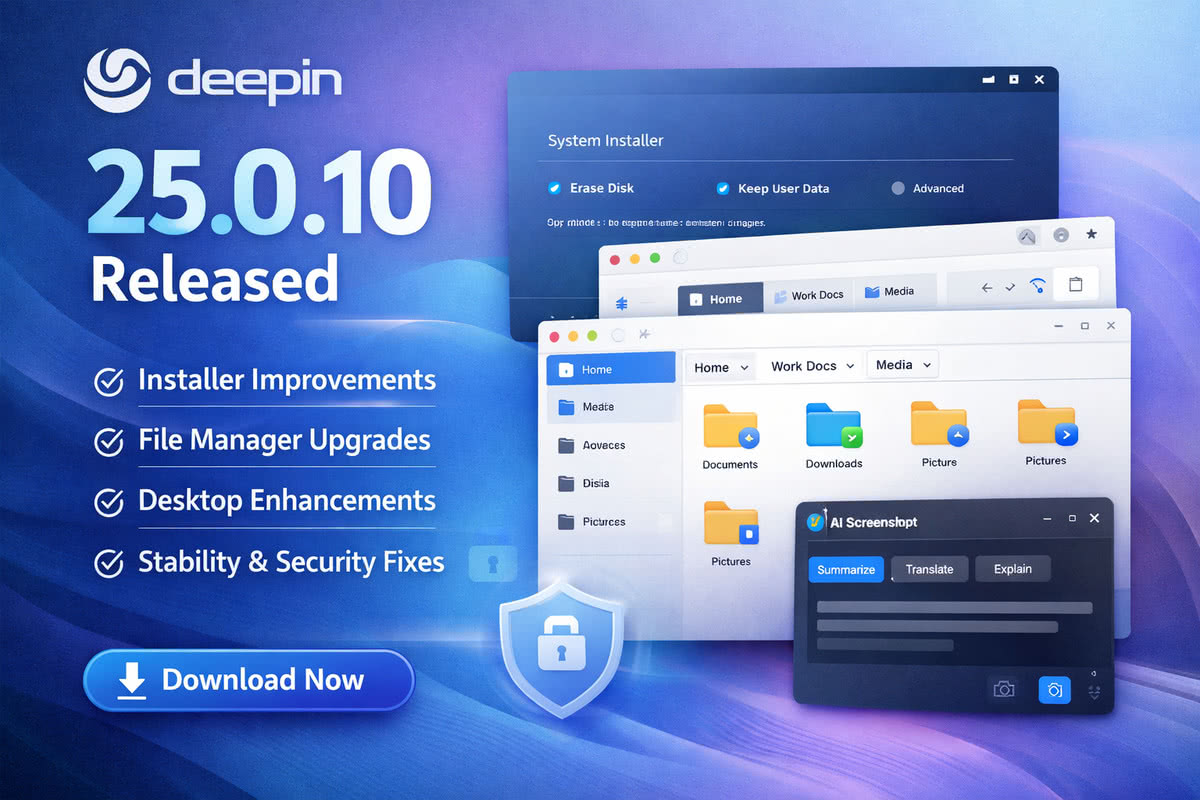
What’s New in deepin 25.0.10
- System Installer
- Clearer prompts during full-disk installation
- Option to retain user data and reuse existing accounts, settings, and files
- File Manager
- Automatic scrolling when dragging files
- Grouped file views by time, size, type, and name
- Pinned tabs for frequently used folders
- Folders now open in new tabs instead of separate windows
- Desktop Experience
- Improved taskbar icon click accuracy
- Better clipboard and lock screen behavior
- Visual and interaction fixes across DDE
- New and Enhanced Features
- Origin business-style theme
- 98-Wubi input method
- AI-assisted screenshot features for text summary and translation
- Improved multilingual and device compatibility
- Stability and Security
- Fixes for system startup, file management, and applications
- NVIDIA proprietary graphics driver updated to 580.119.02
- Multiple security and CVE fixes included
Download
The deepin 25.0.10 installation image is now available via official download channels.
Users with an up-to-date system can also upgrade directly through
Control Center → System Update, without reinstalling.
For further information on deepin 25.0.10 - see the official release announcement.