deepin 25.1.0 Released: Kernel 6.18, BORE Scheduler, and AI Enhancements
The deepin team has officially released deepin 25.1.0, the first point update to the deepin 25 series. Following the deepin 25 launch earlier this year, this release focuses on performance improvements, enhanced AI capabilities, and a wide range of bug fixes.
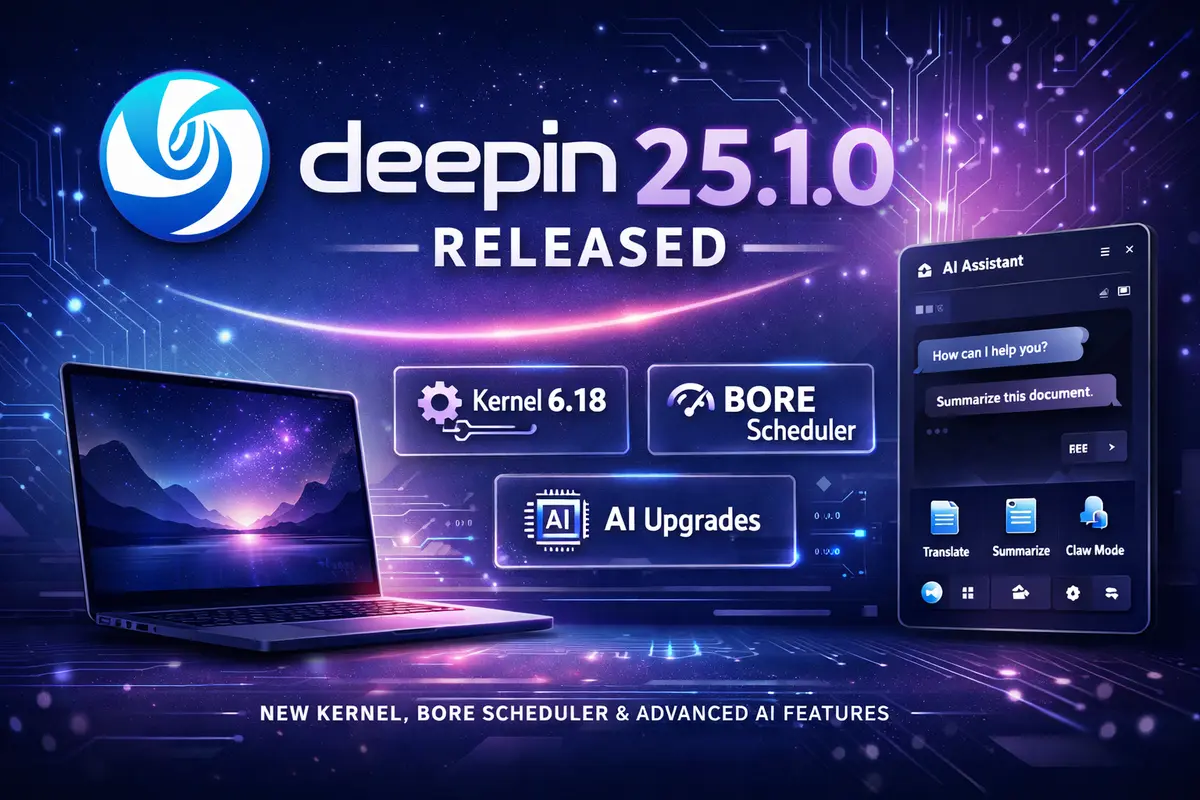
Highlights
- Kernel upgrade incorporating Linux 6.18 features
- BORE scheduler integration for improved responsiveness
- Rebuilt UOS AI assistant with new capabilities
- System-level “Claw Mode” for automation
- File manager and taskbar improvements
- Multiple bug fixes and stability updates
Kernel Upgrade and Performance Improvements
One of the key changes in deepin 25.1.0 is the kernel upgrade, incorporating features up to Linux 6.18. This brings improvements from several kernel versions, enhancing overall system performance and hardware support.
Memory management has been refined using the Slub allocation mechanism and Swap Table infrastructure, reducing latency and improving efficiency. File system optimizations for Ext4 and XFS further enhance read/write performance and application loading speeds.
deepin also integrates the BORE (Burst-Oriented Response Enhancer) scheduler, originally developed by :contentReference[oaicite:0]{index=0}, aiming to improve desktop responsiveness and multitasking performance.
UOS AI Enhancements
The built-in UOS AI assistant receives a major update in this release. The writing agent now supports:
- Uploading reference materials and outlines
- Generating structured content before drafting
- Tracing arguments and data sources
A built-in editor allows users to format and export content to PDF, Word, or Markdown.
The system can dynamically route tasks between models such as DeepSeek and GLM, depending on complexity. For privacy-conscious users, on-device processing is supported when web-based features are disabled.
New “Claw Mode” Automation
deepin 25.1.0 introduces a system-level feature called Claw Mode, designed to simplify task automation using natural language.
It integrates with applications like Lark, DingTalk, and QQ, allowing users to perform actions and workflows directly through AI-driven commands. This feature reflects deepin’s increasing focus on integrating AI into everyday desktop usage.
Desktop and Application Improvements
Several usability improvements have been introduced across the desktop environment:
- File Manager now supports tab pinning and improved drag-and-drop
- Screenshot tool includes AI-powered text explanation and translation
- Taskbar supports split icons for multiple application windows
- Improved handling of multi-window and multi-tasking scenarios
Linyaps, deepin’s universal app format introduced in deepin 25, also receives updates, including fixes for rendering issues in applications using NVIDIA drivers.
Bug Fixes and Stability
This release addresses a wide range of issues reported since deepin 25:
- Window manager crashes during multi-screen usage
- Taskbar auto-hide and secondary display issues
- Audio stuttering and high CPU usage over Bluetooth
- App Store issues in IPv6 environments
- Multiple security fixes across system components
It builds on improvements introduced in deepin 25.0.10, continuing the focus on stability and reliability.
Should You Upgrade?
If you are already using deepin 25, version 25.1.0 is a recommended update. It improves performance, enhances multitasking, and introduces more capable AI tools integrated into the desktop experience.
Download
deepin 25.1.0 images are available from the official deepin website. Existing users can upgrade via:
Control Center → System Update
For full details, refer to the official release announcement.