Why Background Removal Matters Today
Images are one of the strongest ways to communicate online. A clear picture can sell a product, explain an idea, promote a brand, or make a personal profile look professional. However, even a good photo can lose impact when the background is messy, distracting, or unrelated to the subject. This is why background removal has become a common editing need for businesses, students, designers, and everyday users.
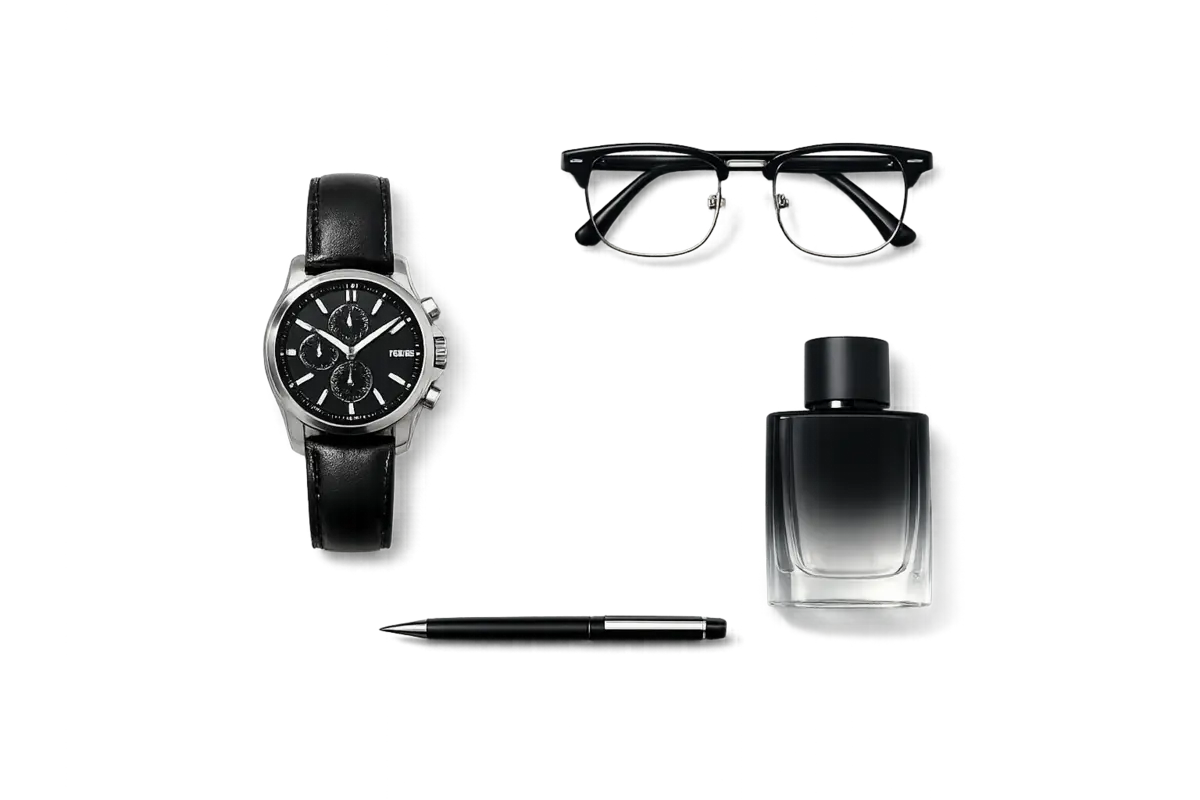 Isloated elements example after background removal
Removing a background helps focus attention on the most important part of an image. Whether the subject is a person, product, logo, or object, a clean background makes the final design look sharper and more intentional. It can turn an ordinary photo into something suitable for websites, advertisements, presentations, social media posts, and online stores.
The Value of Clean Visuals
People often judge digital content within seconds. A visitor may quickly decide whether a product photo looks trustworthy or whether a social media post is worth reading. Clean visuals help create a strong first impression. They make content easier to understand and more pleasant to view.
For online shops, background removal is especially useful. Product images with consistent backgrounds look organised and professional. A store that uses clean, uniform pictures can appear more reliable than one with photos taken in random places. This does not mean every image must be plain. It simply means the background should support the subject instead of competing with it.
How Background Removal Works
Traditional background removal required time, patience, and editing skills. Designers had to trace around objects manually, use layer masks, adjust edges, and clean up small details. This process was difficult when the subject included hair, fur, transparent objects, shadows, or complex shapes.
Modern tools have made the process easier. Many platforms now use artificial intelligence to detect the main subject automatically. The tool studies the image, separates the foreground from the background, and creates a cutout in seconds. After that, the user can keep the background transparent, replace it with a new colour, or add a different scene.
Common Uses for Background Removal
Background removal is useful in many fields. E-commerce sellers use it to prepare product photos for marketplaces and websites. Content creators use it to design thumbnails, posters, stickers, and profile images. Students use it for school projects and presentations. Freelancers use it when preparing portfolios, marketing materials, and client designs.
A person may also need to remove backgroud from a photo when creating a resume picture, business card, invitation, or digital flyer. In these cases, removing the background can make the image look cleaner and more focused. It also allows the same subject to be reused in different designs without taking a new photo every time.
Benefits for Businesses and Creators
The biggest benefit of background removal is flexibility. Once the subject is separated, it can be placed on different backgrounds, colours, or layouts. A product can appear on a white background for an online store, a colourful background for an advertisement, and a lifestyle background for social media.
This saves time and money. Instead of arranging new photoshoots for every campaign, businesses can reuse strong images in many ways. Creators can also experiment with designs quickly. They can test different styles, match brand colours, and create visuals that fit each platform.
Choosing the Right Tool
A good background removal tool should be accurate, fast, and easy to use. Accuracy matters most around edges. Hair, fingers, fabric, and small objects can be difficult to separate cleanly. If the edges look rough or parts of the background remain, the final image may look careless.
The best tools allow users to make manual corrections after the automatic process. This is useful because no tool is perfect in every situation. Users should be able to erase unwanted areas, restore missing parts, soften edges, and preview the result before downloading.
Image quality is also important. Some tools reduce resolution or add watermarks unless users pay. For professional work, high-quality downloads and transparent PNG files are essential.
Mistakes to Avoid
One common mistake is starting with a poor-quality photo. If the original image is blurry, dark, or too small, the result will usually look weak. Background removal works best when the subject is clear, well lit, and separated from the background.
Another mistake is choosing an unrealistic replacement background. If the lighting, angle, or shadows do not match, the final design may look fake. A subject photographed indoors may not fit naturally into a bright outdoor scene unless the image is adjusted carefully.
Users should also check the final result closely. Small leftover background marks, missing edges, or uneven outlines can reduce the quality of the design.
The Future of Background Editing
Background editing will continue to improve as AI tools become more advanced. Future systems may understand depth, lighting, shadows, and reflections more accurately. They may not only remove background but also create realistic new scenes that match the subject automatically.
Final Thoughts
Background removal is now an important part of modern visual design. It helps images look cleaner, clearer, and more useful across many platforms. Whether the goal is to sell products, build a personal brand, create social media content, or prepare professional materials, removing the background can make a major difference.
Comments
Comments are loaded when you choose to open them, which keeps the page faster and lighter.