Linux Lite 7.8 Released with Rewritten Tools and Updated Software
The Linux Lite team has released Linux Lite 7.8, the latest stable version of the lightweight Linux distribution.
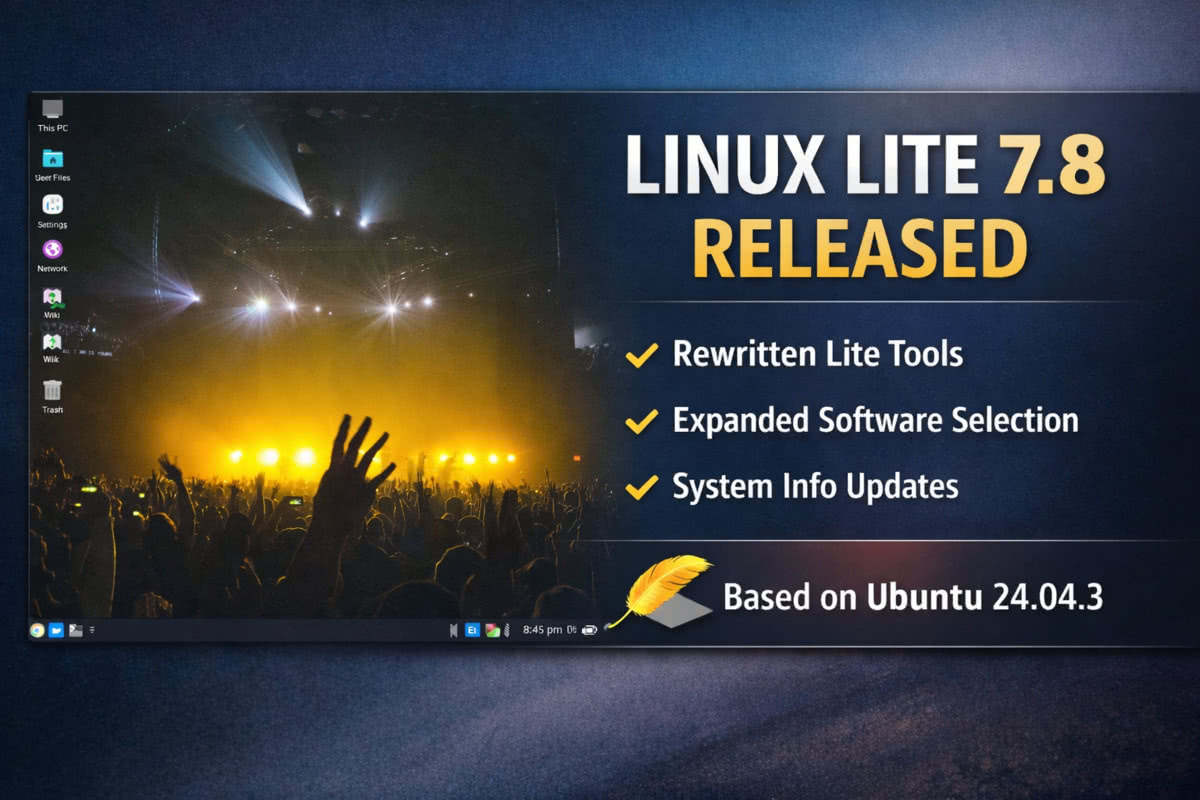
The Linux Lite 7.8 release focuses on internal improvements, updated system tools, and refreshed software packages, while preparing for larger changes planned in the next major series.
The core features in this release include rewritten Lite utilities, improvements to the Lite Software manager, and updates to system monitoring.
What’s new in Linux Lite 7.8
- Several built-in Lite tools have been rewritten as part of a move toward Python and GTK4
- The Lite Software manager includes more than 20 additional applications
- Newly added software includes BleachBit, Darktable, KDE Connect, Kdenlive, and Stacer
- System Monitoring Center now displays additional system information
- Continued groundwork for changes planned in Linux Lite Series 8
Rewritten Lite tools
Linux Lite 7.8 continues the project’s effort to modernize its in-house tools. Rewritten applications include Lite Firewall, Lite Updates, Lite Software, Lite User Manager, Lite Welcome, and other system utilities.
These changes aim to improve maintainability and consistency across the desktop.
Software base and system updates
Linux Lite 7.8 is built on Ubuntu 24.04.3 and ships with updated core software, including:
- Linux kernel 6.8.0-94
- Google Chrome 144.0 (available through the system)
- Thunderbird 140.7
- LibreOffice 25.8.4
- VLC 3.0.20
- GIMP 2.10.36
Custom kernel versions ranging from 3.13 to 6.18 are available through the Linux Lite repository.
Desktop appearance
The default desktop setup in Linux Lite 7.8 uses:
- Materia window theme
- Papirus icon theme
- Roboto Regular font
UEFI and Secure Boot notes
Linux Lite supports UEFI systems.
Secure Boot is supported, but the project advises disabling it to avoid potential installation or runtime issues.
Download Linux Lite 7.8
Linux Lite 7.8 Final is available as a 64-bit ISO image with a download size of 2.8 GB. The image can be used on USB drives or DVDs and supports automatic login in live mode.
Downloads and mirror links are available from the official project page:
https://sourceforge.net/projects/linux-lite/files/7.8/
For further information on Linux Lite 7.8 and screenshots, see the official release announcement on the project forum: