How to Reduce PDF File Size Using Ghostscript on Linux
Large PDF files are common. Scanned documents, images, and embedded fonts increase file size fast. This makes sharing, uploading, and emailing harder.
Ghostscript offers a simple way to reduce PDF file size using the command line. It is free, open source, and widely available on Linux systems.
This guide explains how to compress PDFs using Ghostscript with clear examples.
What Is Ghostscript?
Ghostscript is a command-line tool used to process PDF and PostScript files. It is often used in printing workflows and document automation.
Ghostscript works on Linux, macOS, and Windows. It runs offline and does not upload files.
Installing Ghostscript
Most Linux distributions include Ghostscript in their repositories.
Ubuntu and Debian
sudo apt install ghostscript
Fedora
sudo dnf install ghostscript
Arch Linux
sudo pacman -S ghostscript
After installation, check the version:
gs --version
Basic PDF Compression Command
Use the following command to compress a PDF file:
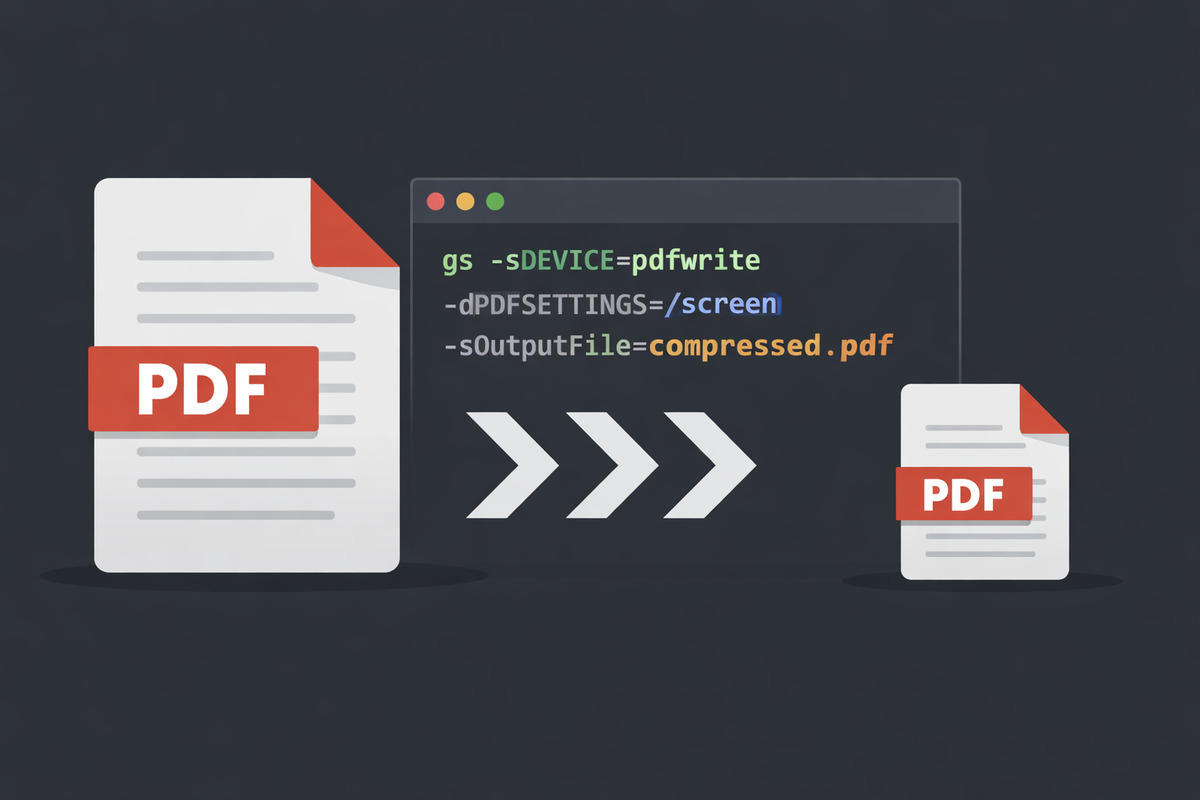
gs -sDEVICE=pdfwrite -dCompatibilityLevel=1.4 \
-dPDFSETTINGS=/screen \
-dNOPAUSE -dQUIET -dBATCH \
-sOutputFile=output.pdf input.pdf
This command creates a new PDF with a smaller file size.
PDFSETTINGS Explained
Ghostscript includes preset quality levels.
| PDFSETTINGS | Quality Level | Best Use Case |
|---|---|---|
| /screen | Low | Email, chat, and quick sharing |
| /ebook | Medium | Reading on phones, tablets, and laptops |
| /printer | High | Home and office printing |
| /prepress | Very high | Professional and commercial printing |
| /default | Balanced | General purpose use |
Checking File Size
Check the file size before and after compression:
ls -lh *.pdf
Scanned PDFs usually shrink more than text-only files.
FAQ
- Does Ghostscript reduce image quality?
Yes. Lower presets reduce image resolution to save space.
- Is Ghostscript safe for private documents?
Yes. It works offline and never uploads files.
- Can Ghostscript compress scanned PDFs?
Yes. Scanned PDFs often see the largest size reduction.
- Does Ghostscript change text quality?
Text remains clear in most presets, especially ebook and printer modes.
Conclusion
Ghostscript provides a reliable way to reduce PDF file size on Linux. It works offline, respects privacy, and fits well into command-line workflows.