



Advertisement
Overview
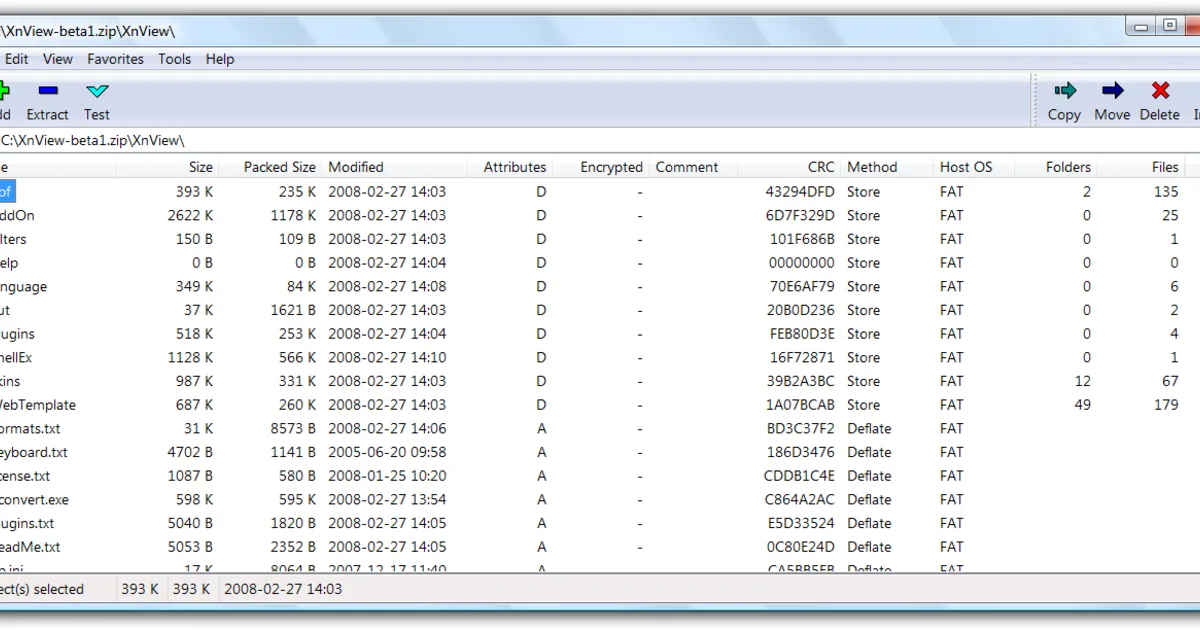
7-Zip is a free file archiver originally developed by Igor Pavlov and first released in 1999. Its native Windows GUI and most of its source code are released under the GNU Lesser General Public License version 2.1 or later, with a separate, narrower license restriction inherited from the unRAR source code used for its RAR-decompression support. 7-Zip introduced the 7z archive format, which uses the LZMA compression algorithm and is widely regarded for achieving smaller archive sizes than ZIP at equivalent settings.
While the official 7-Zip GUI application is Windows-only, the command-line version has been ported to POSIX systems (Linux, macOS, BSD, and others) under the name p7zip, and various third-party GUI front-ends and file-manager integrations exist for Linux and macOS built on the same underlying code. There are no license fees, trial periods, or reminder screens at any point.
Key Features
- 7z format with LZMA/LZMA2 compression — Typically produces smaller archives than ZIP at comparable compression levels
- Broad format support — Creates 7z and ZIP archives; extracts RAR, TAR, GZIP, ISO, and many other formats
- AES-256 encryption — Password-protect 7z and ZIP archives, with optional file-name encryption for 7z
- Self-extracting archives — Create .exe self-extracting archives that don’t require 7-Zip to be installed to open
- Command-line interface — Full scripting support via the bundled
7z.exe/7zacommand-line tools - No cost, no restrictions — Free for personal and commercial use with no license fees
Use Cases
- Everyday file compression on Windows — A completely free, no-nag alternative to trialware archivers
- Maximizing compression ratio — Reducing file size further than ZIP for storage or slow-connection transfers
- Scripted or automated archiving — Using the command-line tools in build scripts or batch jobs
- Cross-platform command-line use — p7zip brings the same compression engine to Linux and macOS shells
Who It’s For
7-Zip suits Windows users who want a completely free, actively maintained archiver with strong compression and no licensing reminders. Users who specifically want a native graphical file manager on Linux or macOS, rather than a command-line port, may prefer PeaZip, which ships a full cross-platform GUI built on similar underlying compression libraries.
Advertisement