




Advertisement
Overview
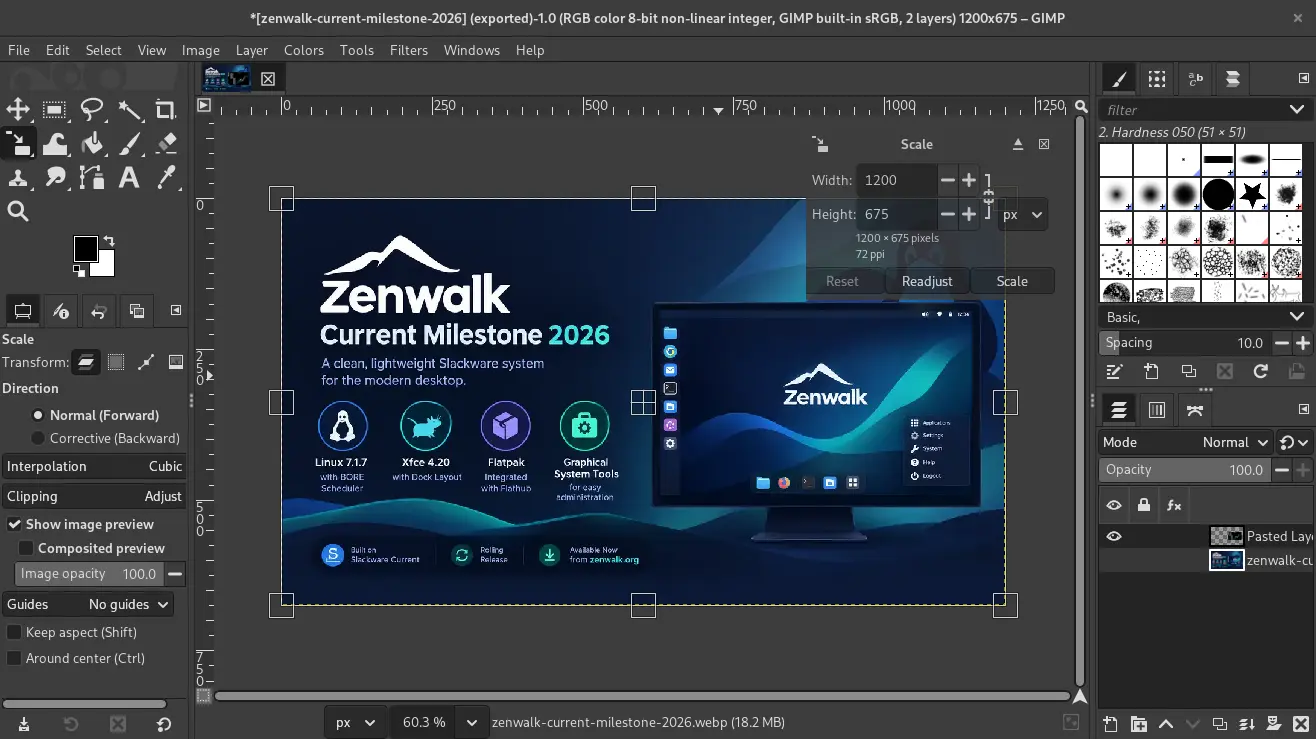
GIMP (GNU Image Manipulation Program) is a free and open source raster graphics editor first released in 1996. It provides tools for photo retouching, image composition, and graphic design, and is distributed under the GPL-3.0 license. GIMP 3.0, released in March 2025 after roughly seven years of development on the 2.10 series, moved the application to the GTK3 toolkit, added native Wayland support, and introduced non-destructive editing for most GEGL-based filters, which remain editable after being applied instead of merging immediately into the layer.
Since the 3.0 release, GIMP has continued with the 3.2 series (currently at version 3.2.4), which has added further color management and workflow refinements. GIMP 3.0 also expanded scripting support beyond the traditional Script-Fu (Scheme) and Python-Fu interfaces, adding standard Python 3, JavaScript, Lua, and Vala as supported languages for plugins, though this scripting overhaul broke compatibility with plugins and scripts written for GIMP 2.10.
Key Features
- Layer-based editing — Full support for layers, masks, and blending modes
- Non-destructive filters — Most GEGL-based filters remain editable after being applied, rather than merging permanently into the layer
- Brush engine — Customizable brushes for painting and retouching
- Selection tools — Rectangle, ellipse, free select, fuzzy select, and intelligent scissors
- Scripting and plugins — Extensible via Script-Fu (Scheme), Python 3, JavaScript, Lua, and Vala
- RAW editing — RAW photo support via darktable or RawTherapee integration
- Batch processing — Automate repetitive tasks with batch processing
- Customizable interface — Dockable dialogs, HiDPI-aware GTK3 UI, and customizable workspace
Use Cases
- Photographers — Photo retouching, color correction, and cropping
- Graphic designers — Creating web graphics, icons, and marketing materials
- Digital artists — Illustration and concept art
- Open source contributors — Creating and editing assets for FOSS projects
Who It’s For
GIMP is suitable for hobbyists, students, open source contributors, and professionals who need a capable image editor without subscription costs. It is particularly popular in the Linux community.
Advertisement