



Advertisement
Overview
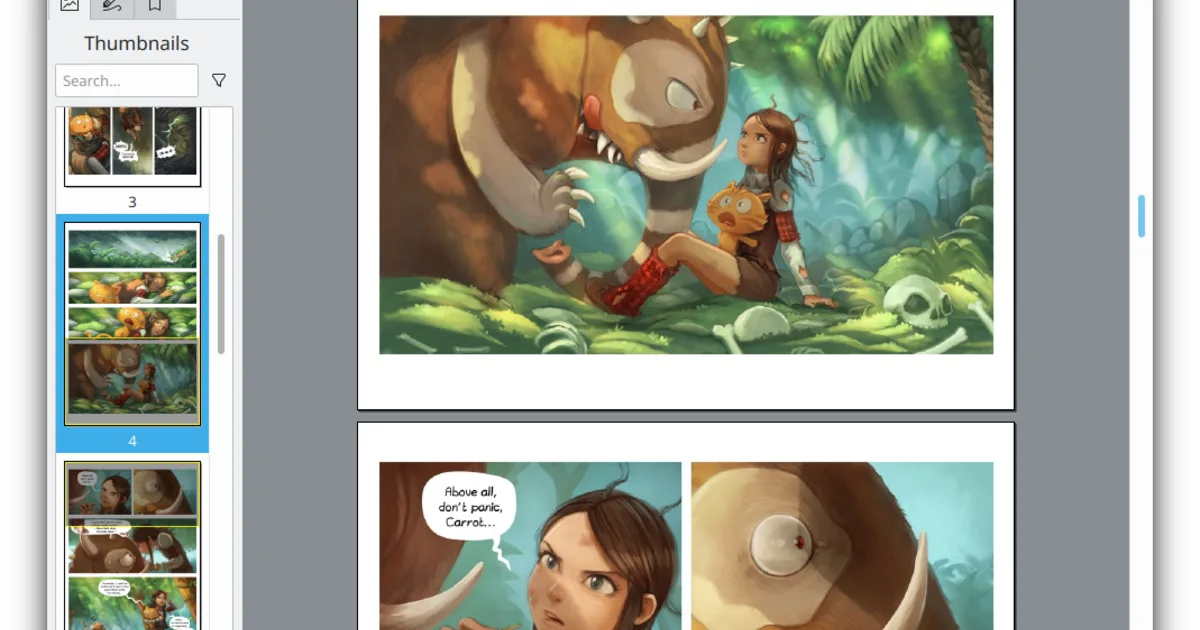
Okular is KDE’s document viewer, built as a “universal” reader rather than a PDF-only tool — beyond PDF, it opens PostScript, TIFF, DjVu, XPS, FictionBook, comic book archives, EPub, and plain images through a shared interface. It grew out of KPDF, KDE’s earlier PDF-specific viewer, and was reworked into a format-agnostic viewer with a plugin-based backend architecture, first shipping with KDE 4 in 2008.
Okular is developed under the GPL-2.0-or-later license and ships as a native application on Linux (including as the default document viewer for KDE Plasma), with builds also available for Windows, macOS, and BSD systems. Because it’s a KDE application, installing it on Windows or macOS also pulls in a portion of the KDE Frameworks runtime, which makes Okular noticeably heavier to install outside Linux than a single-purpose viewer like Sumatra PDF.
Key Features
- Broad format support — PDF, PostScript, DjVu, TIFF, XPS, EPub, comic book archives, and more through one interface
- Annotation tools — Highlighting, underlining, inline and popup notes, freehand drawing, and native PDF annotation support
- Digital signatures — View, verify, and check the validity of signatures embedded in PDFs, and sign PDFs yourself
- Forms support — Fill in and save interactive PDF forms
- Text extraction and search — Full-text search across a document, with text selection and copy support
- Presentation mode — Full-screen document display suited to projecting slides or reading
Use Cases
- Reading and annotating PDFs — Highlighting, notes, and markup on academic papers, contracts, or manuals
- Signing documents — Adding and verifying digital signatures without a subscription PDF suite
- Reading comics and ebooks — Comic book archive and EPub support alongside PDF in the same app
- KDE Plasma desktops — The default document viewer already integrated into the desktop’s file associations
Who It’s For
Okular fits anyone on Linux, especially KDE Plasma users, who wants one application that reads and annotates PDFs plus several other document and ebook formats without a subscription. It’s a heavier install on Windows and macOS than a dedicated single-format viewer, so users on those platforms who only need fast, minimal PDF viewing may prefer a lighter tool.
Advertisement
Frequently Asked Questions
Is Okular open source?
Yes. Okular is released under the GPL-2.0-or-later license, developed by the KDE community, with source published on GitHub.