



Advertisement
Overview
QEMU/KVM refers to the combination of two open source projects that together provide Linux’s primary virtualization stack. KVM (Kernel-based Virtual Machine) is a module built into the mainline Linux kernel since version 2.6.20 that exposes the CPU’s hardware virtualization extensions (Intel VT-x or AMD-V), turning the Linux kernel itself into a type-1 hypervisor. QEMU is a general-purpose machine emulator and virtualizer that supplies the virtual hardware — disks, network cards, graphics, and other devices — that guest operating systems interact with; when paired with KVM, QEMU offloads CPU execution to the hardware-accelerated KVM layer instead of emulating instructions in software, achieving near-native performance.
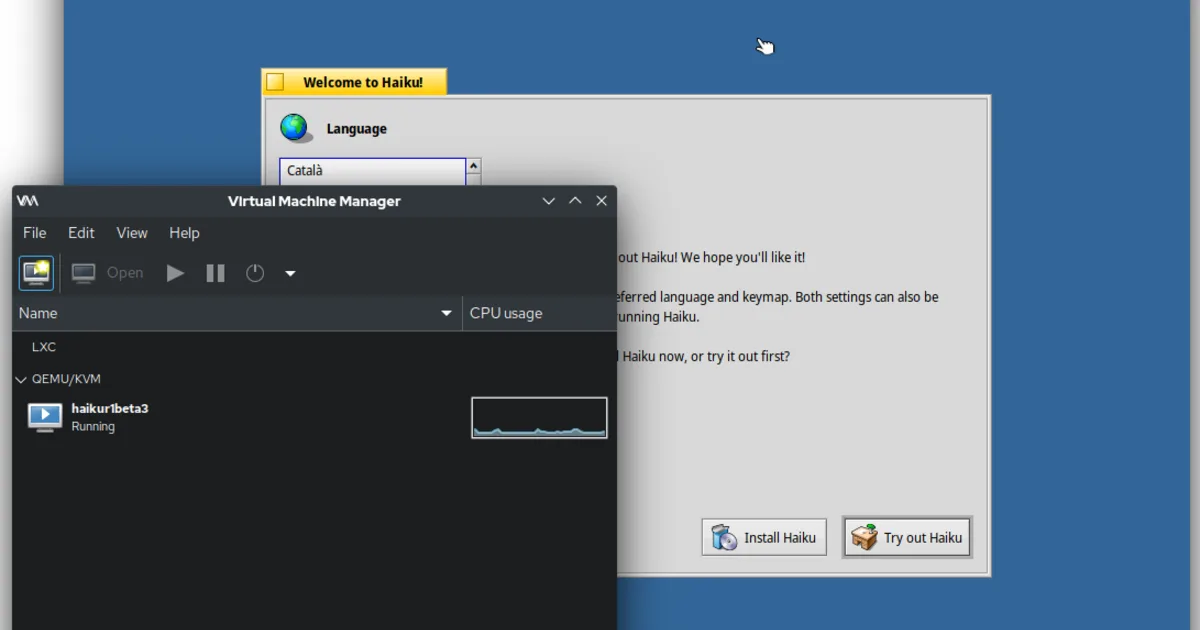
Most Linux distributions ship QEMU and KVM as separate packages, typically managed through higher-level tools such as virt-manager or GNOME Boxes, which provide a graphical interface over libvirt, the virtualization management API that most QEMU/KVM tooling is built on. Because both QEMU and the KVM kernel module are fully open source, the entire virtualization stack — from the hypervisor to the device emulation layer — can be inspected, audited, and modified.
Key Features
- Hardware-accelerated virtualization — Near-native guest performance using the CPU’s built-in virtualization extensions via KVM
- Broad guest OS support — Runs unmodified Linux, Windows, BSD, and other x86/ARM guest operating systems
- Live migration — Move a running VM between physical hosts with minimal downtime (when paired with shared storage)
- Snapshots — Save and restore VM disk and memory state via QEMU’s built-in snapshot support
- Device and GPU passthrough — Pass PCI devices, including GPUs, directly through to a guest VM using VFIO
- Scriptable and headless — Fully controllable from the command line or via
libvirt, suited to servers without a GUI
Use Cases
- Server and homelab virtualization — Running multiple VMs on a single Linux host without licensing costs
- Development and CI environments — Spinning up disposable, scriptable VMs for testing across operating systems
- Cloud infrastructure — QEMU/KVM underpins many cloud platforms and self-hosted virtualization tools, including Proxmox VE
- Cross-architecture emulation — QEMU alone (without KVM acceleration) can emulate different CPU architectures, useful for embedded development
Who It’s For
QEMU/KVM is best suited to Linux users, system administrators, and developers who are comfortable with a more technical, often command-line or libvirt-managed setup in exchange for fully open source, no-cost virtualization with strong performance. Desktop users who want a simpler, GUI-first experience closer to VMware Workstation may prefer pairing QEMU/KVM with GNOME Boxes or virt-manager, or use VirtualBox instead.
Advertisement
Frequently Asked Questions
What is the difference between QEMU and KVM?
KVM is a Linux kernel module that turns the kernel into a type-1 hypervisor, providing the hardware-accelerated virtualization layer. QEMU is a separate, general-purpose machine emulator that provides virtual devices and can use KVM as a backend to run guest operating systems at near-native speed, rather than emulating the CPU in software.
Is QEMU/KVM free and open source?
Yes. QEMU is released under the GNU General Public License version 2 or later, and the KVM kernel module is part of the mainline Linux kernel under GPL-2.0. Both are fully open source with no paid tiers.