FileMint app icon
FileMint
Tools · Android

Convert images and make PDFs, without uploading

FileMint is an offline image converter for Android. Convert JPG, PNG, WebP and HEIC, compress photos to the size you need, resize them and combine pictures into a PDF. Everything happens on your phone: your files stay on your device.

  • Android 7.0+
  • Coming soon
  • No ads
  • No permissions
Coming soon toGoogle Play
See features
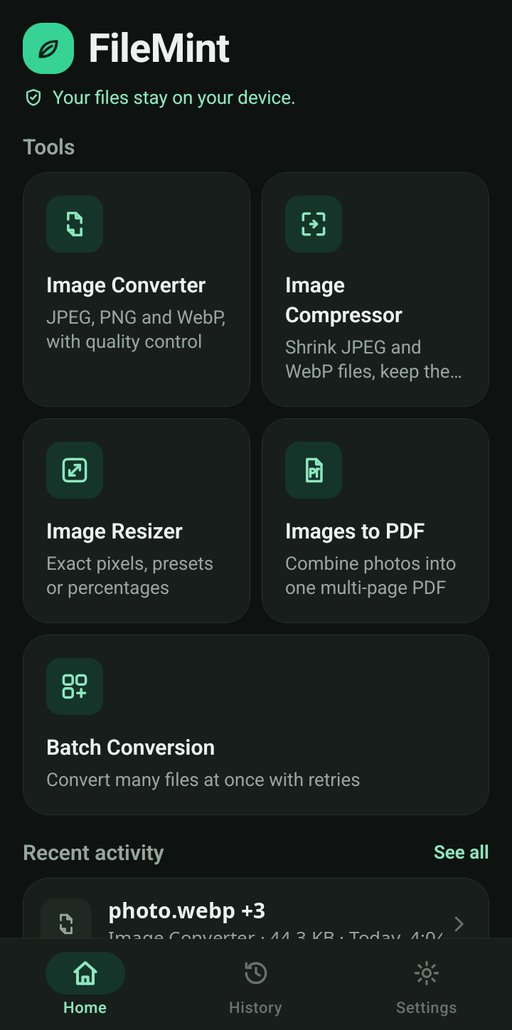
FileMint home screen with Image Converter, Image Compressor, Image Resizer, Images to PDF and Batch Conversion tools

Features

Five tools for everyday image jobs

Pick files, choose options, see the result and save it where you want. No detours.

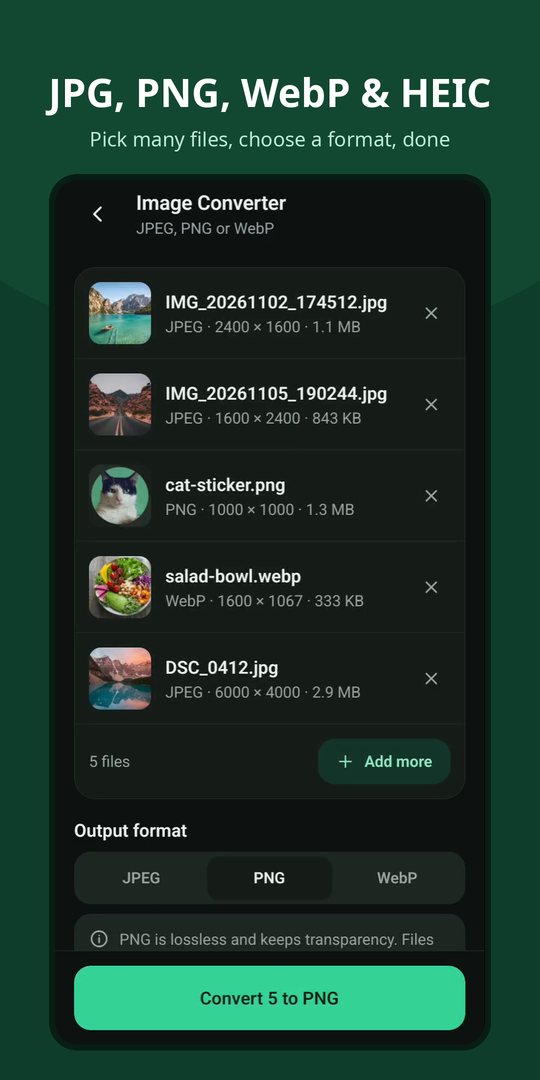
Image converter

  • Formats: JPG to PNG, PNG to JPG, WebP to JPG, PNG to WebP, GIF and BMP to JPG or PNG
  • HEIC to JPG: on Android 9+ devices with a HEVC decoder, checked on your phone
  • Quality control: adjustable for JPEG and WebP; PNG is always lossless
  • Transparency kept: when the output format supports it
  • Correct orientation: photos are never sideways (EXIF aware)
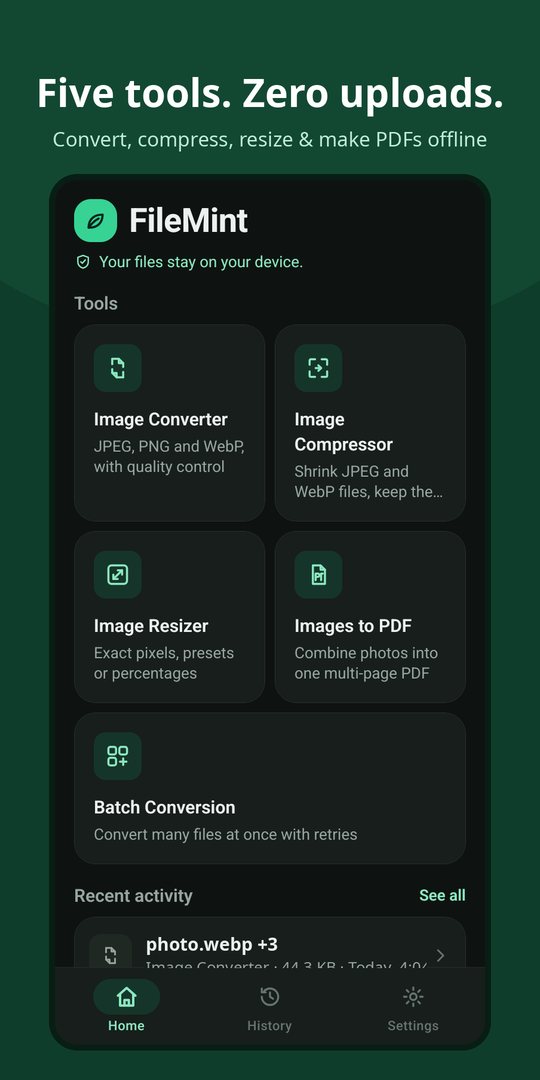
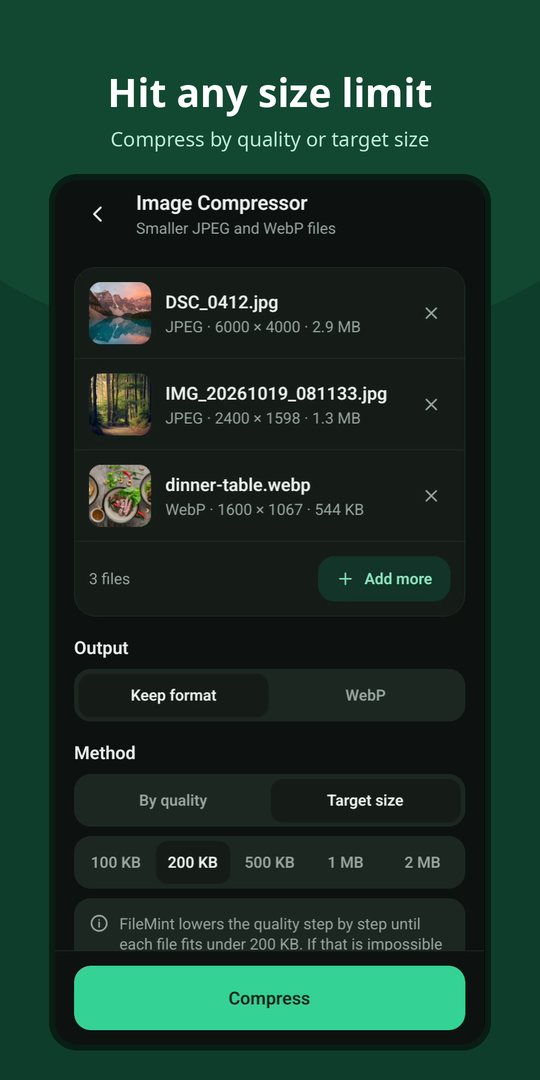
Photo compressor

  • By quality or by target size: 100 KB, 200 KB, 500 KB, 1 MB or 2 MB
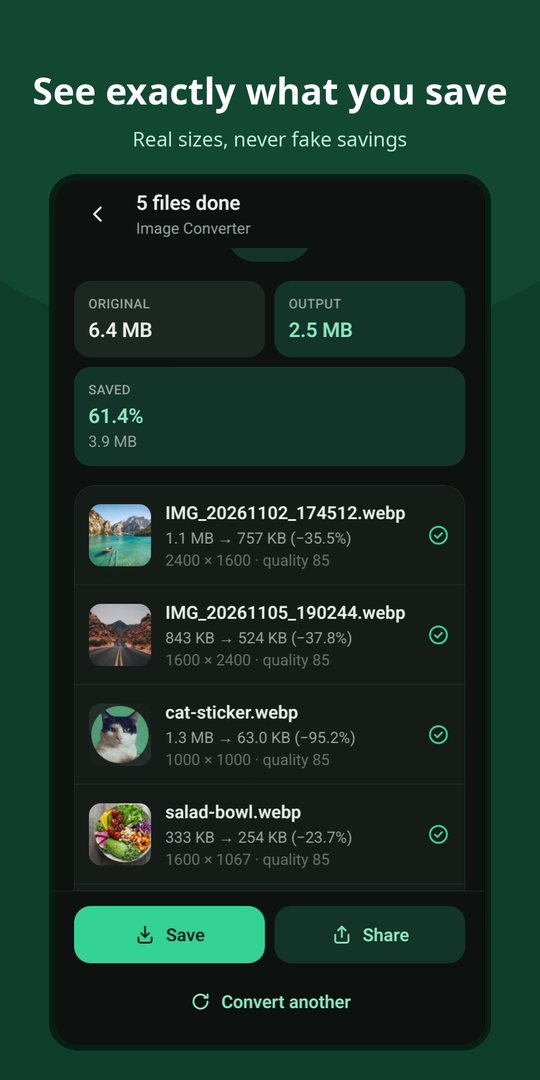
  • Before and after: original size, new size, space saved and percentage
  • Honest results: FileMint never claims a saving when a file got bigger

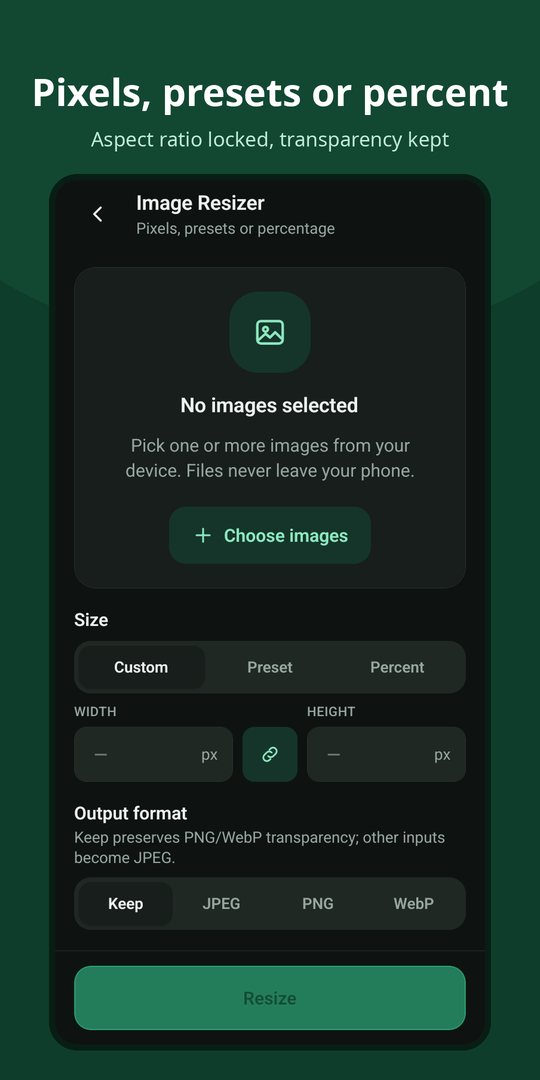
Image resizer

  • Exact pixels with aspect-ratio lock
  • Presets: HD, Full HD, 4K, square and small
  • Percent: each image is scaled relative to its own size
  • Sharp results: step-by-step downscaling avoids jagged edges

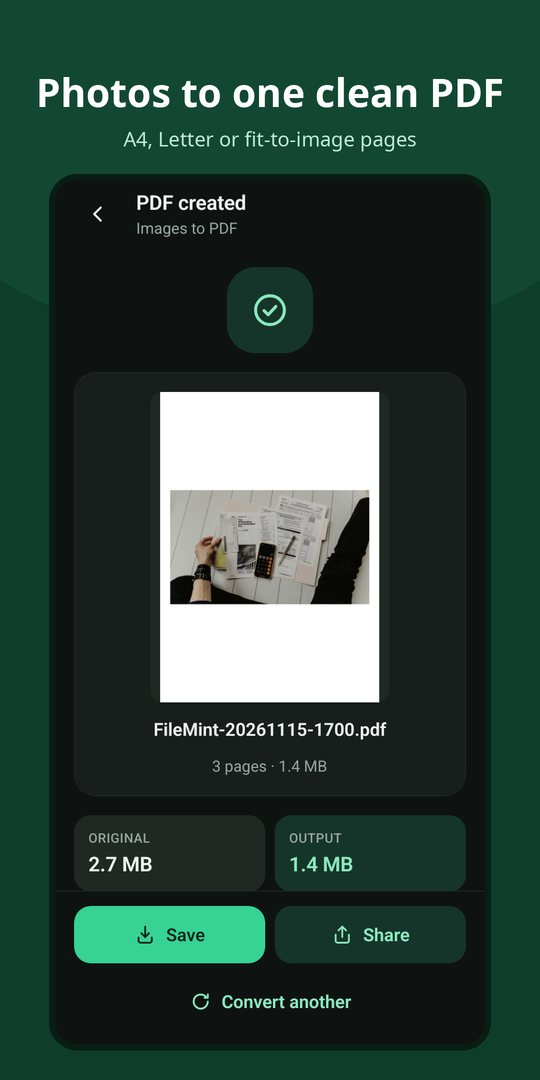
Images to PDF

  • Multi-page PDF: one photo, scan or screenshot per page
  • Pages: A4, Letter or fit to each image; portrait, landscape or automatic
  • Margins and order: adjust margins and move pages up or down
  • Preview: see the first page before you save or share

Batch conversion

  • Many files at once with live progress and cancel
  • 1 to 3 parallel workers: balance speed and memory
  • Per-file results: retry only the files that failed

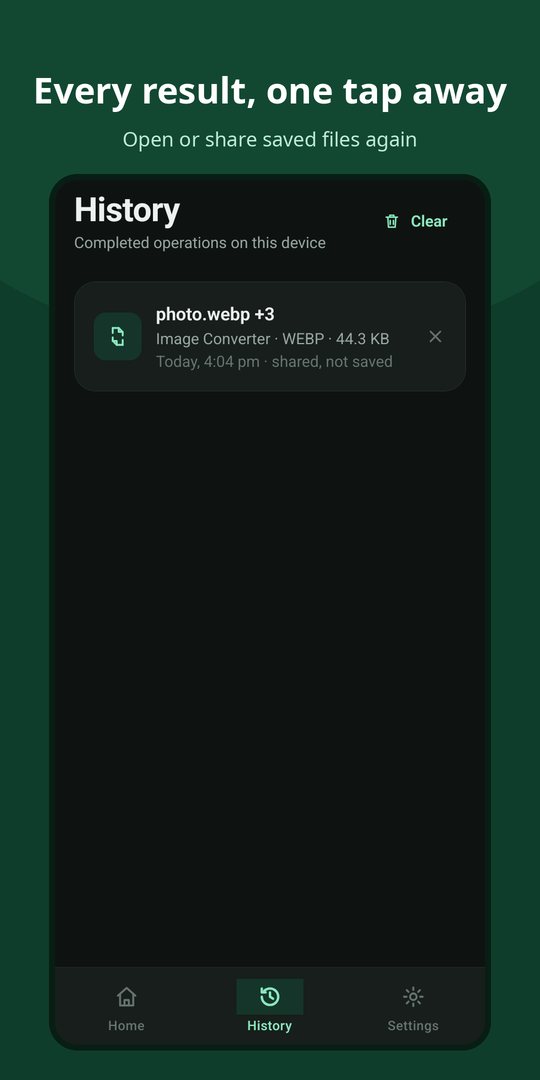
Save, share & history

  • Save anywhere: Android's file picker, including SD cards and cloud folders
  • Share results straight to any app
  • History: reopen or share saved files; only names and sizes are stored
  • Themes: light, dark, or follow the system

Screenshots

A closer look

Privacy & formats

Your files never leave your phone

Private by design

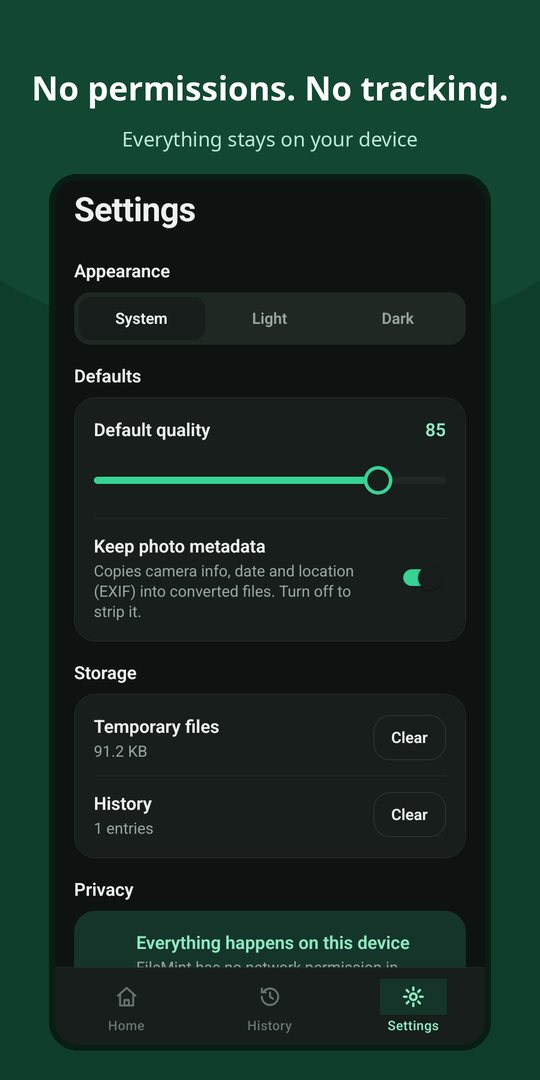
  • On-device processing: conversion, compression, resizing and PDFs use Android's built-in libraries
  • No permissions at all: not even internet access, so the app cannot upload your files
  • Only what you pick: files are opened through Android's file picker and saved where you choose
  • Originals untouched: FileMint always writes a new file
  • Zero tracking: no account, analytics, ads or crash-reporting SDKs

Read the full FileMint privacy policy.

Supported formats

  • Open: JPG, PNG, WebP, GIF (first frame), BMP and HEIC/HEIF on supported devices
  • Save as: JPG, PNG, WebP and PDF
  • Lossless when it can be: PNG, and WebP at quality 100
  • Clear errors: damaged or unsupported files (such as TIFF or AVIF) are explained, never silently renamed
  • Large photos: memory-aware decoding handles big images without crashing

React Native · TypeScript · Kotlin · Android Bitmap & PdfDocument

Converting a JPG to PNG does not restore lost detail and usually makes the file bigger. FileMint shows the real size of every result before you save it.

FileMint is coming soon

Want to hear when it launches, or have feedback? Write to contact.opensourcefeed@gmail.com.

Contact us