elementary OS 8.1 Released With Better Privacy, Hardware Support, and Accessibility
The latest release focuses on privacy, device support, accessibility, and fixes based on user feedback. The update is available to download now and is also shipping on select computers.
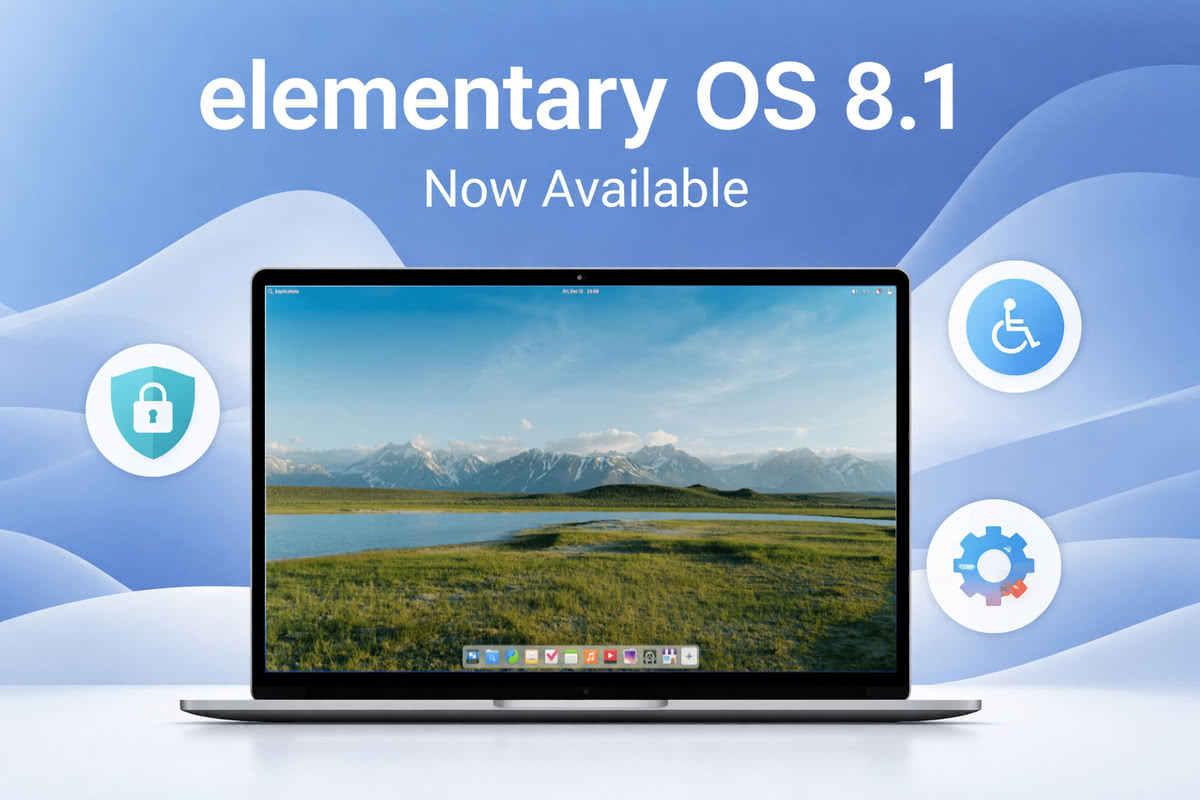
WHAT’S NEW IN ELEMENTARY OS 8.1
elementary OS 8.1 builds on the work introduced in OS 8. It continues to improve the desktop while keeping the experience simple and consistent.
The release includes more than 1,100 fixes reported by users.
SECURE SESSION IS NOW THE DEFAULT
elementary OS 8 introduced a new Secure Session based on Wayland. In version 8.1, this session is now enabled by default.
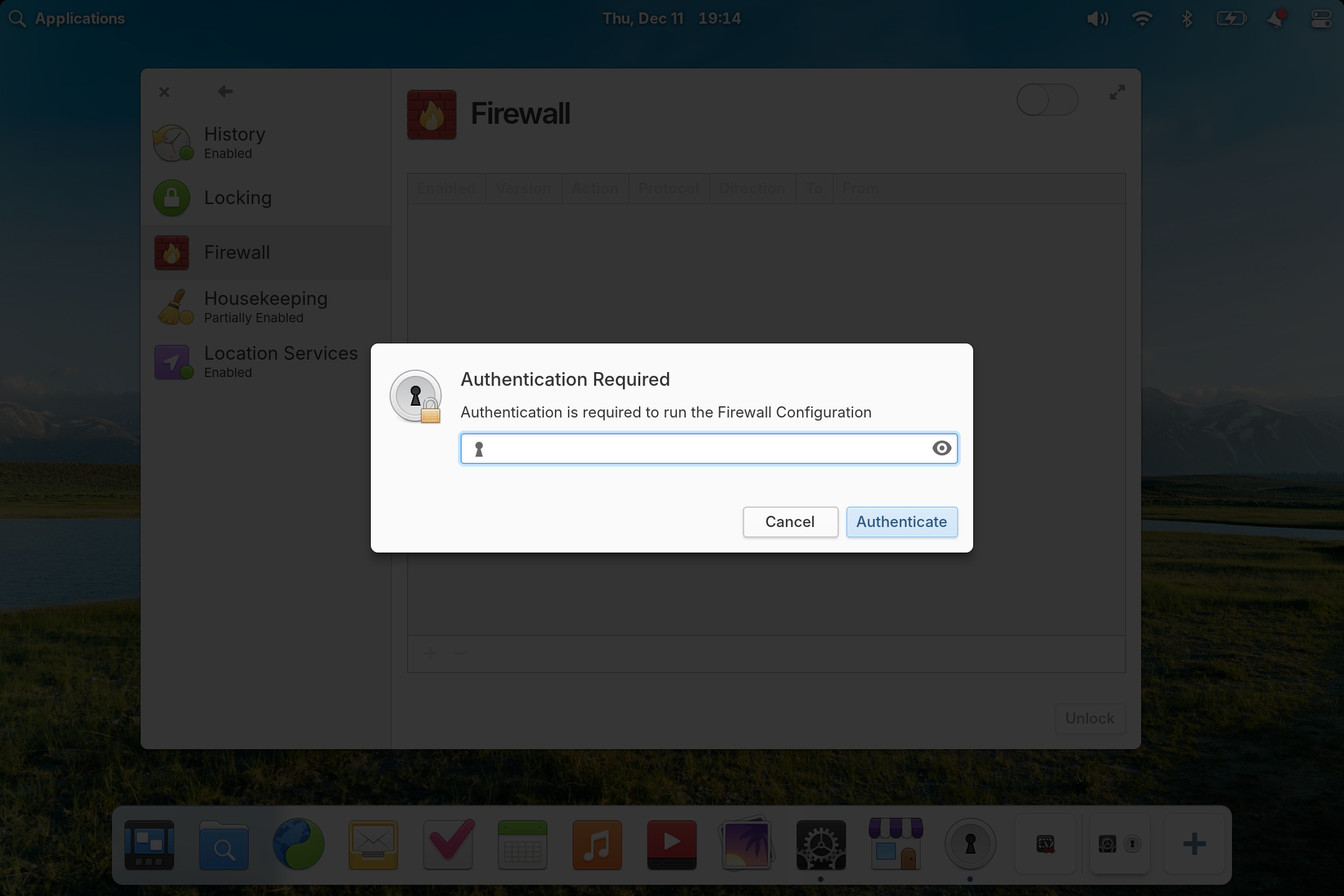
The Secure Session improves privacy by limiting how apps interact with the system. Password dialogs now dim the screen and block other windows from stealing focus. This helps prevent accidental input and improves security.
Users can still switch back to the Classic Session if needed.
BETTER MULTITASKING AND DOCK IMPROVEMENTS
The Dock has received several practical updates.
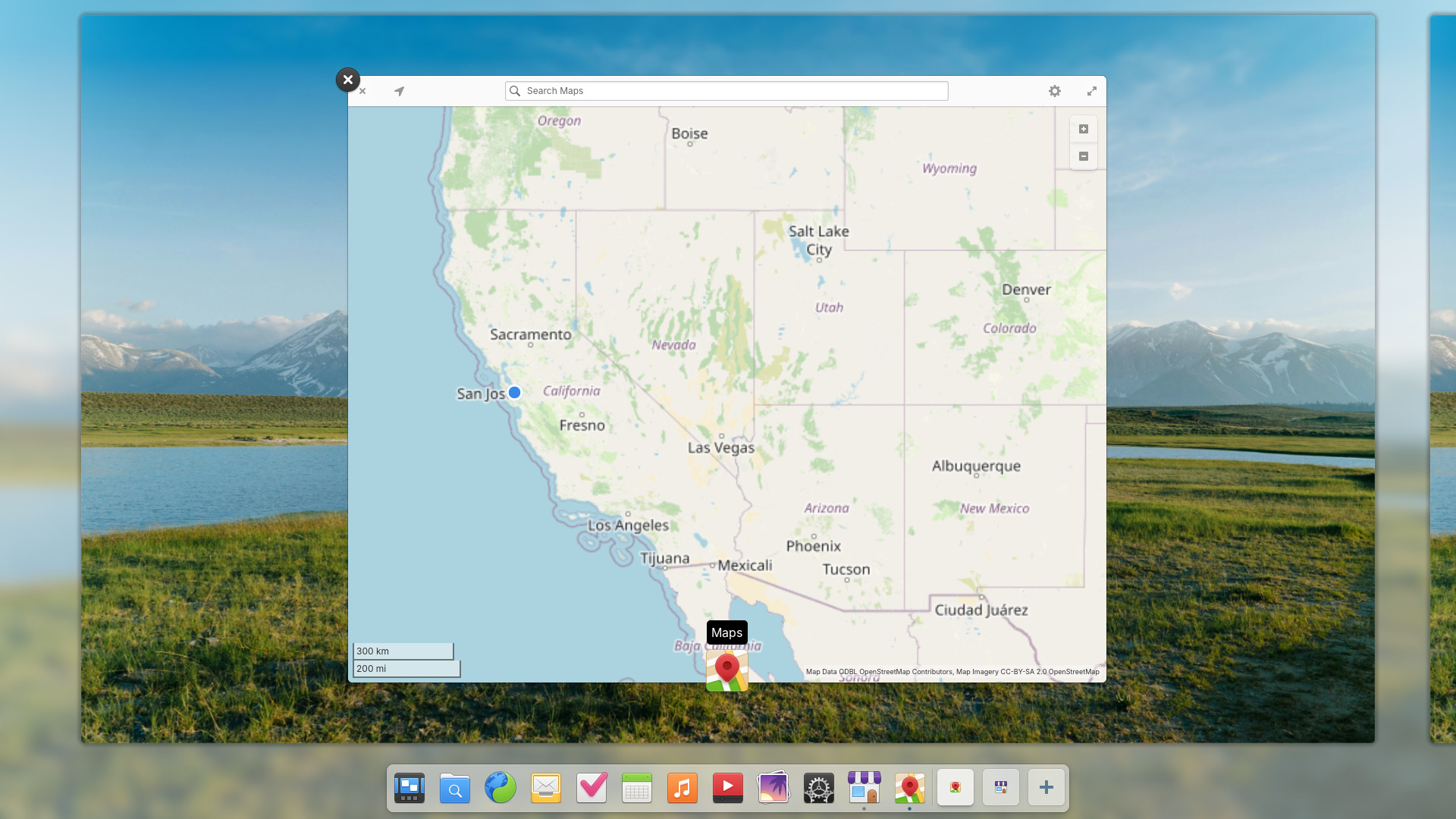
Background apps are now visible and can be managed directly. Workspaces are shown in the Dock, making it easier to switch between tasks. Apps with multiple windows are clearer, and workspace animations are smoother.
These changes reduce the need to open extra views while working.
APP CENTER IMPROVEMENTS
AppCenter now shows clearer app information.
This includes simple ratings when available, clearer licensing details, and labels for apps that include in-app purchases. Search is faster and shows more results when space allows.
Free apps now use the “Install” label instead of “Free,” based on user feedback.
CLEARER AND MORE RELIABLE UPDATES
App updates and system updates remain separate.
Apps update without a restart. System updates show download size and progress and require a restart to apply. Updates are no longer downloaded automatically on metered connections.
Installed apps are now sorted by recent releases, making changes easier to track.
ACCESSIBILITY IMPROVEMENTS
Accessibility remains a strong focus in elementary OS 8.1.
The installer and first setup now work better with screen readers. Keyboard navigation has improved across the desktop. Dark Mode schedules resume automatically after manual changes. The Reduce Motion option now covers more animations.
In most cases, the system can now be installed and set up without sight.
IMPROVED HARDWARE SUPPORT
elementary OS 8.1 includes the latest Ubuntu hardware enablement stack.
This brings Linux kernel 6.14 and Mesa 25, improving performance, power use, and device support. The release supports newer Intel and AMD hardware and adds broader support for peripherals.
For the first time, ARM64 builds are available for UEFI systems, including supported Apple Silicon devices.
Fractional display scaling is now supported in Secure Sessions, helping with modern high-resolution displays.
VISUAL AND SYSTEM REFINEMENTS
Several visual refinements are included in this release.
The Dock and notifications now use blur effects for better separation. Folder icons have been redesigned. Bluetooth settings are clearer and easier to navigate. Notifications are cleaner and easier to control.
Keyboard focus indicators now appear only when the keyboard is in use.
NEW DEFAULT APPS
Two new apps are included by default.
Monitor allows users to view system resources and running processes. Maps supports location search, transit views, and map links used by other apps.
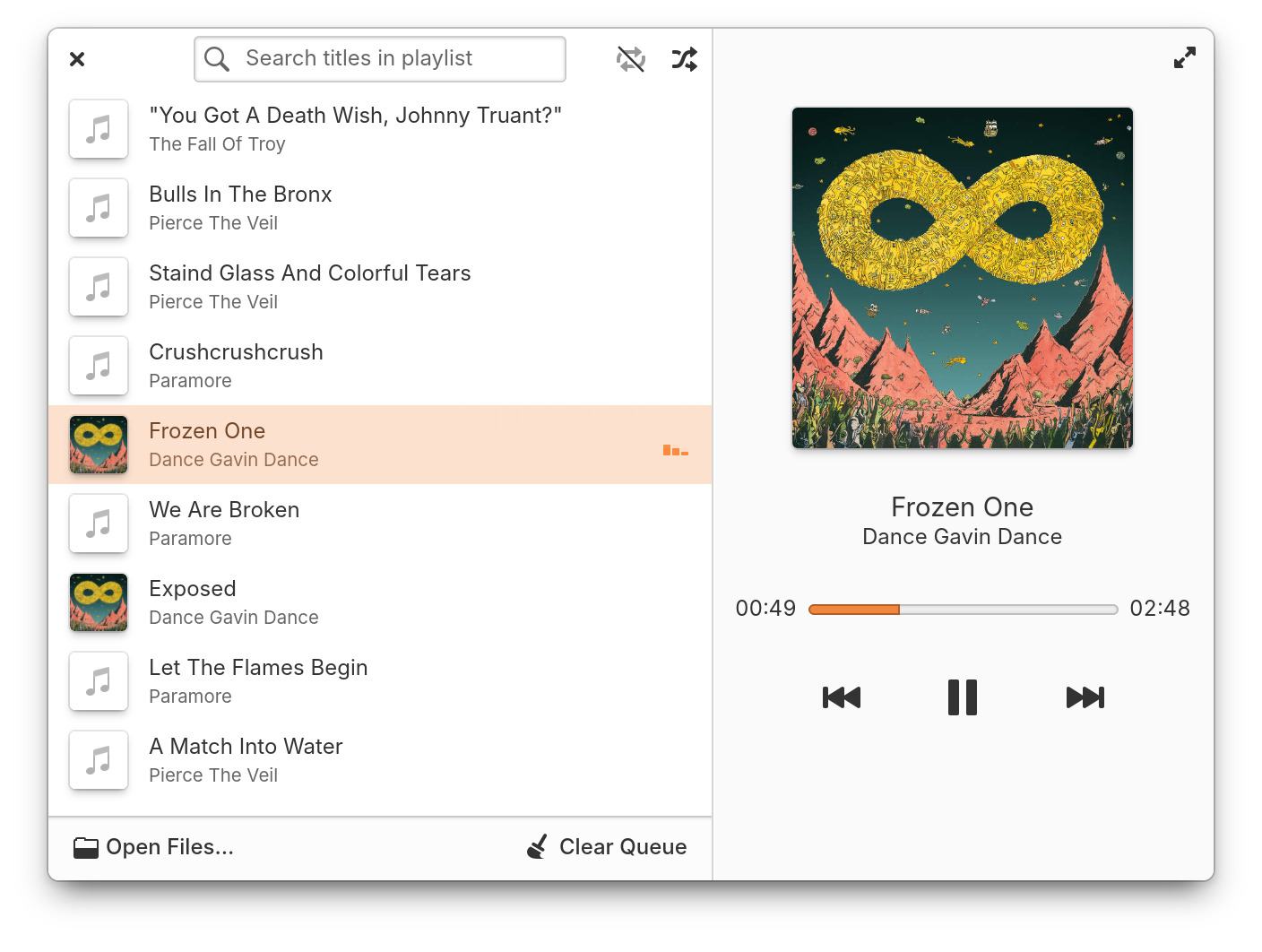
Core apps such as Music, Files, Terminal, and Code have also received updates.
AVAILABILITY
elementary OS 8.1 is available now as a pay-what-you-can download from the official elementary website. For the download links and more details on elementary OS 8.1, see the official release announcement.
elementary OS 8.1 glimpses
Courtesy: Official presskit for elementary OS 8.1
 8-1
8-1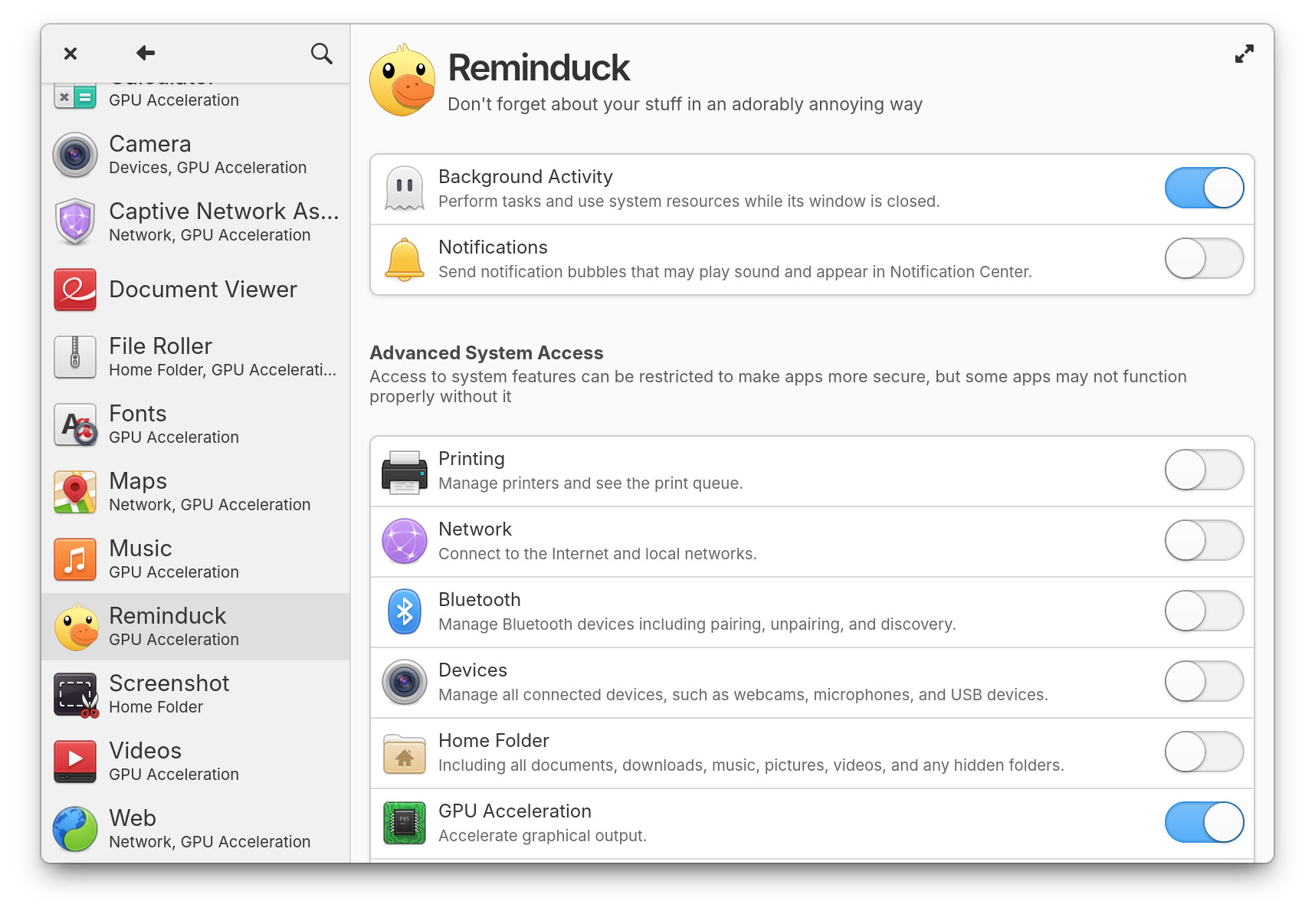 applications
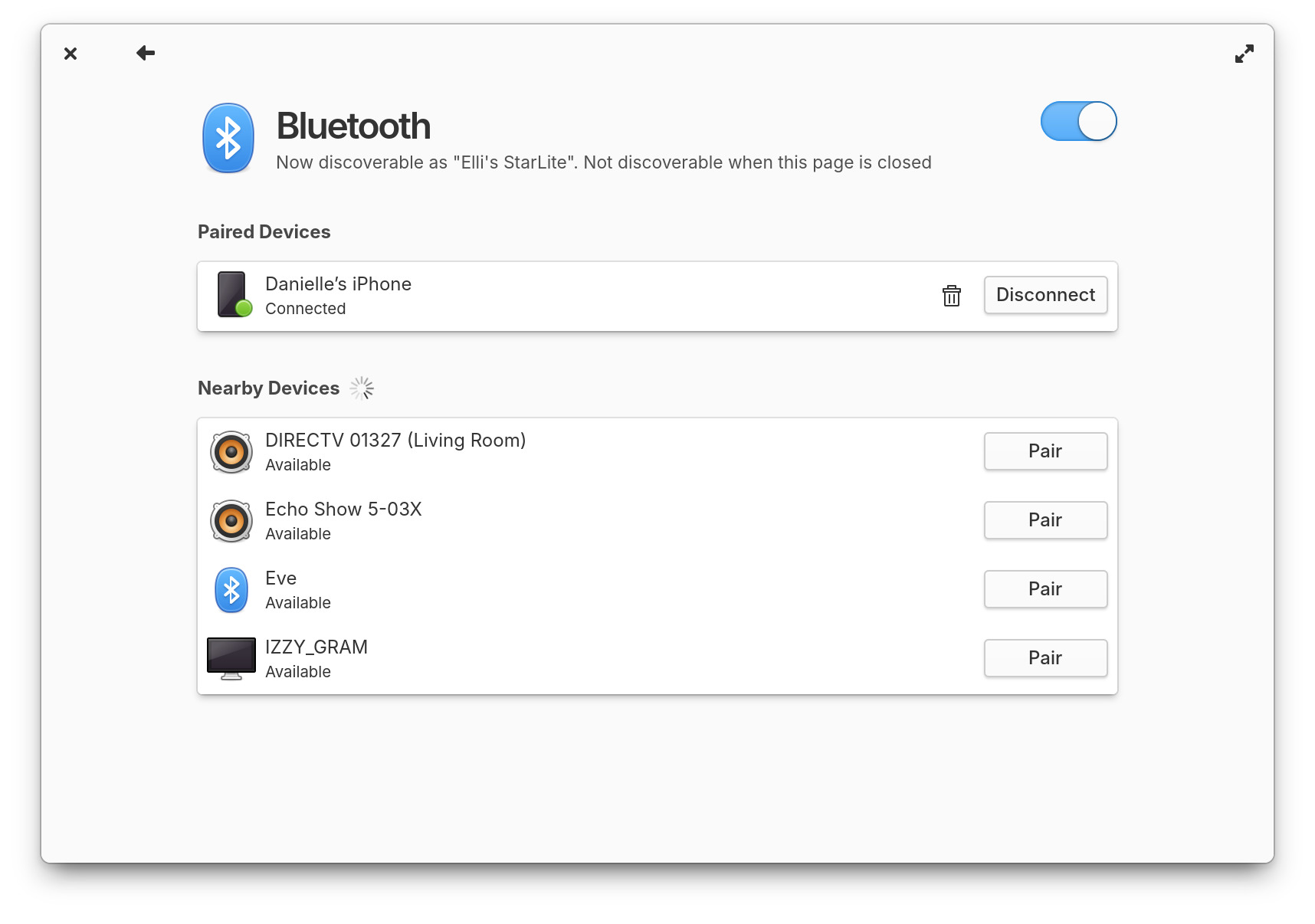 bluetooth
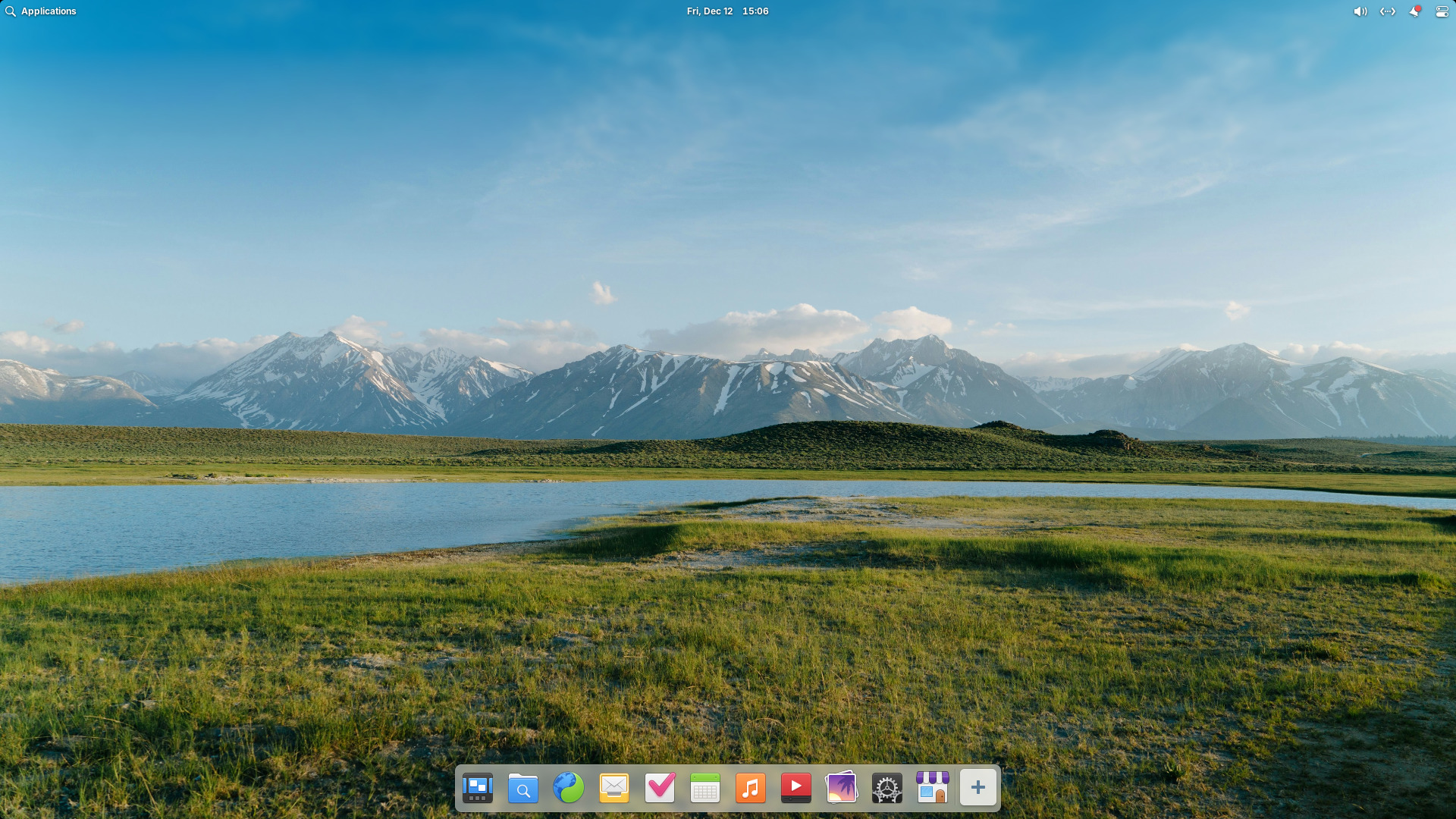 clean
clean dock
dock folders
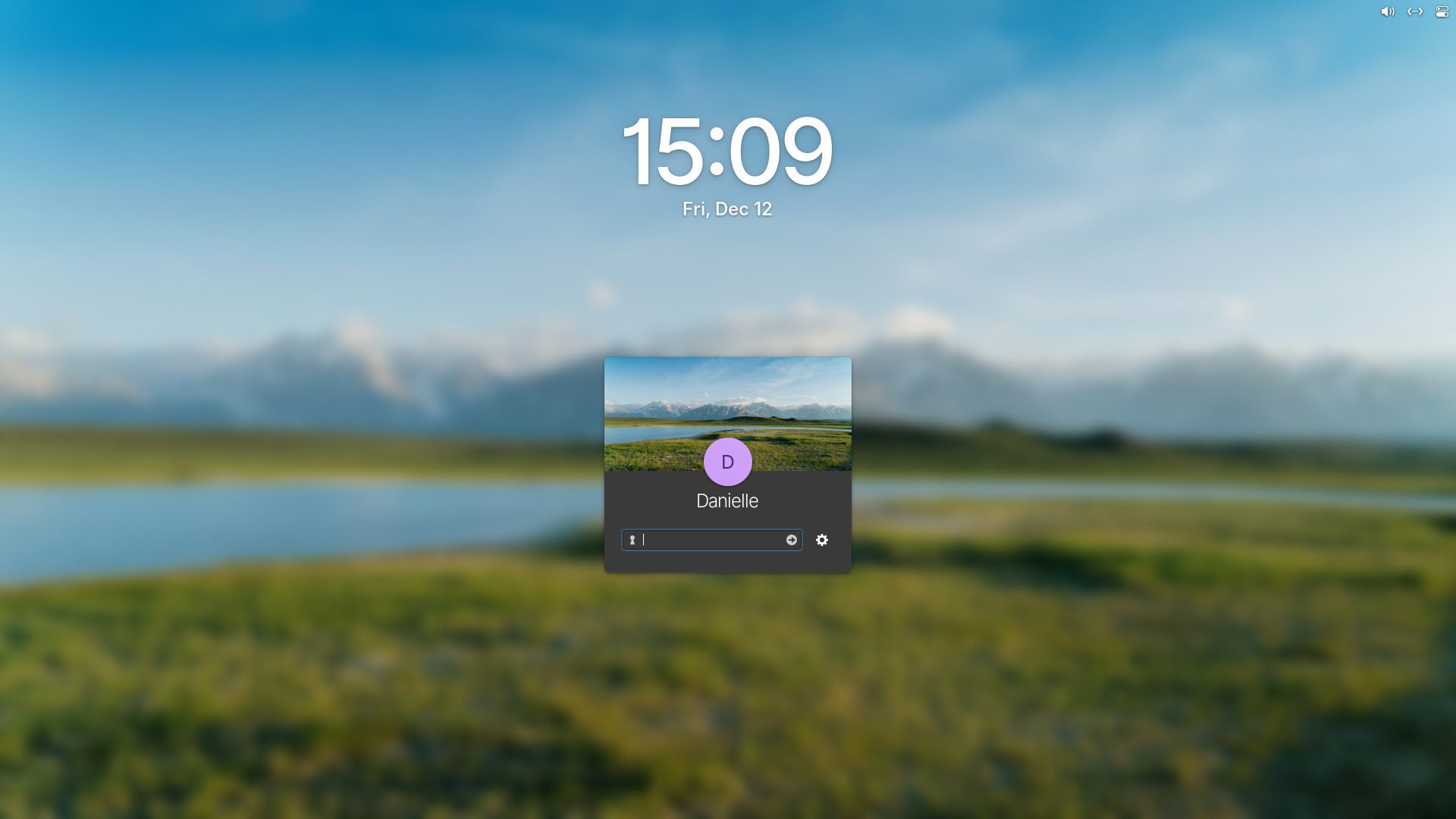 greeter-dark
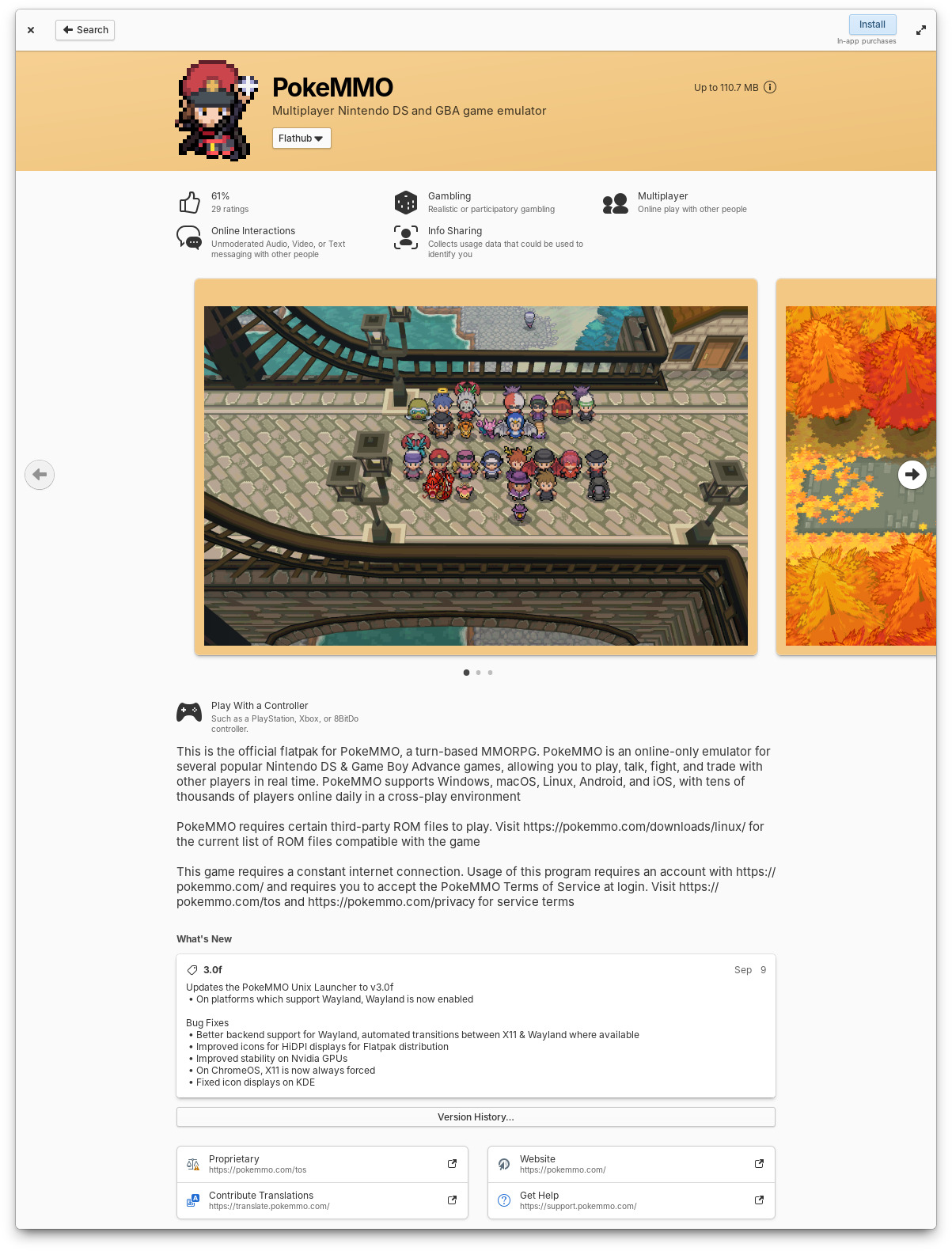 info
info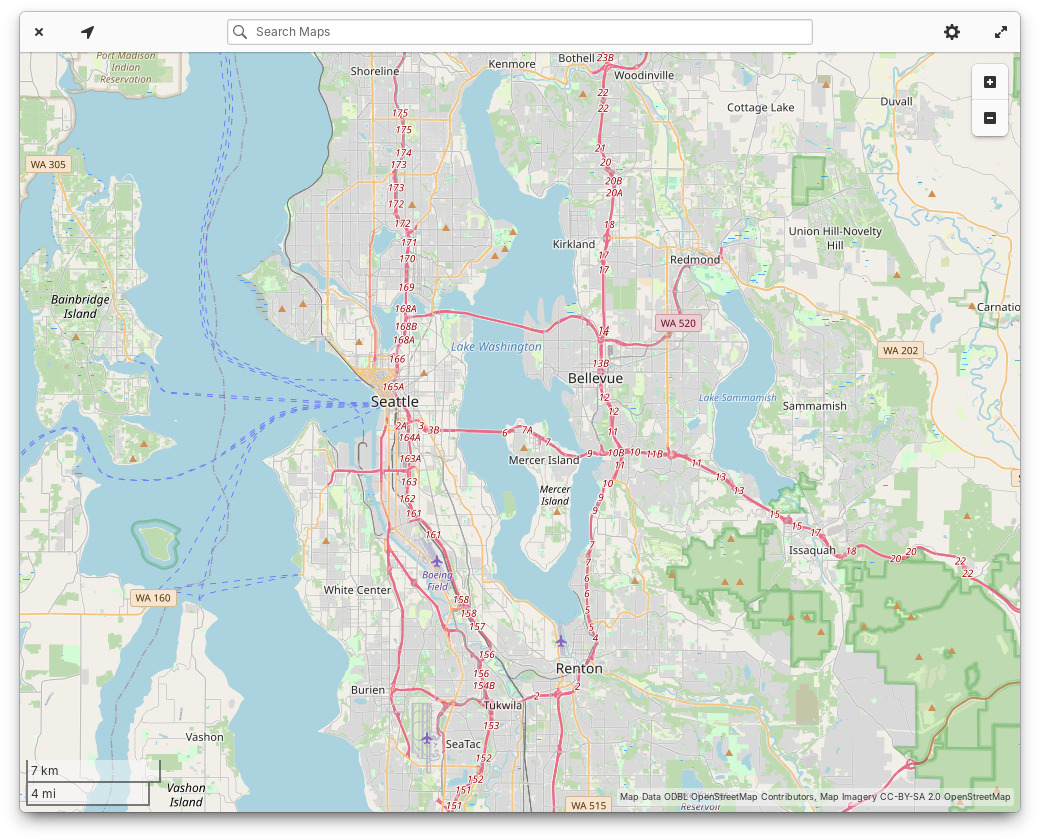 maps
maps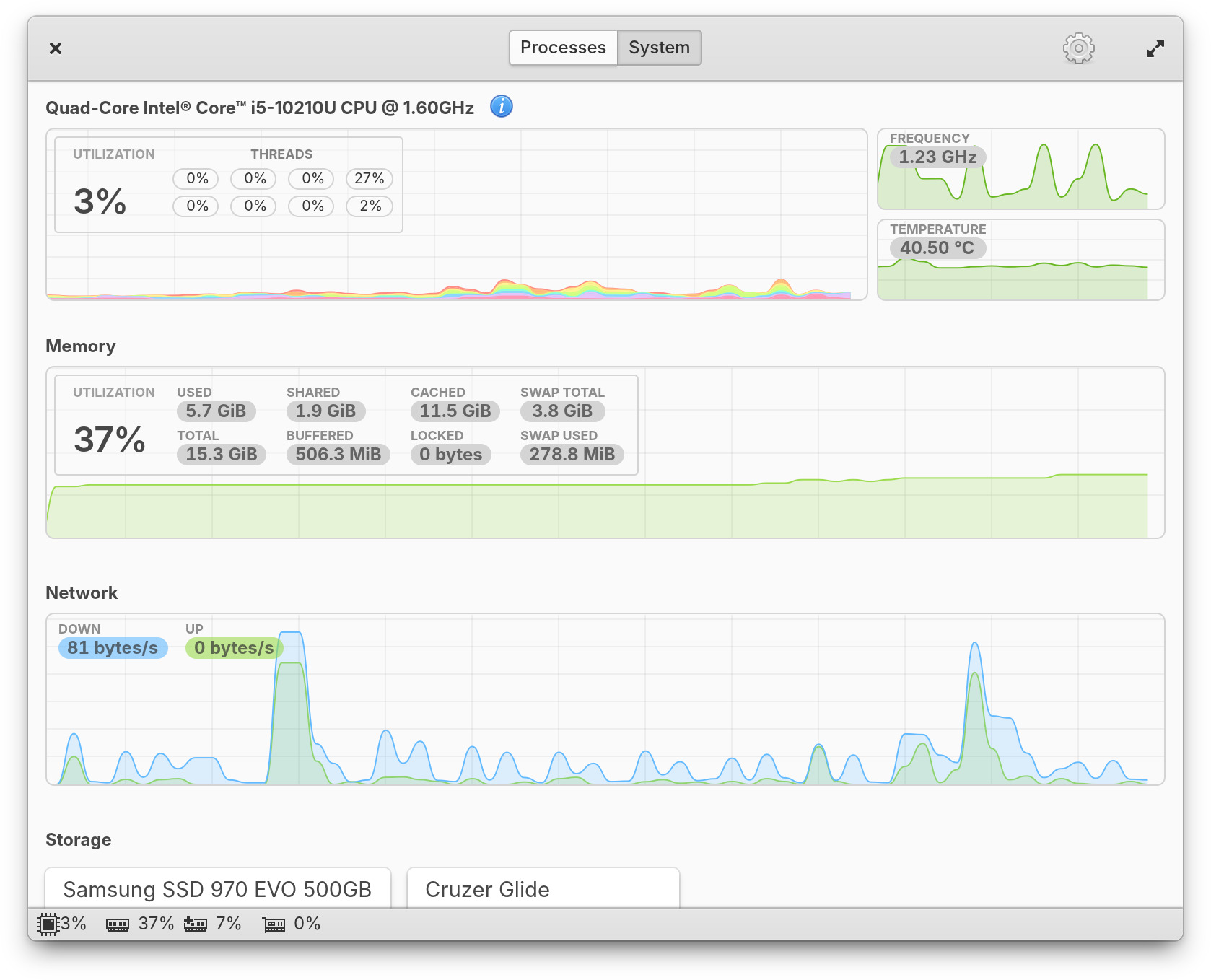 monitor
 multitasking
 music
music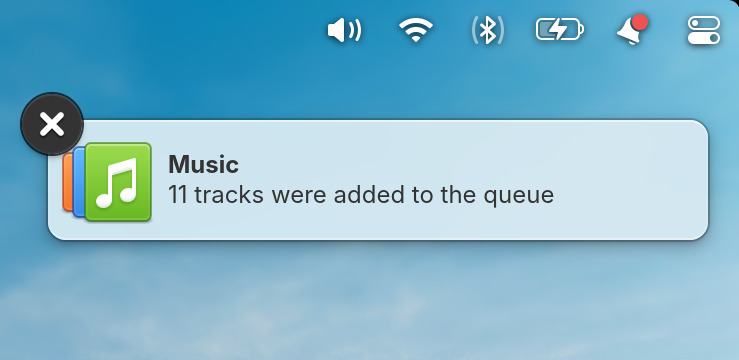 notifications
 polkit
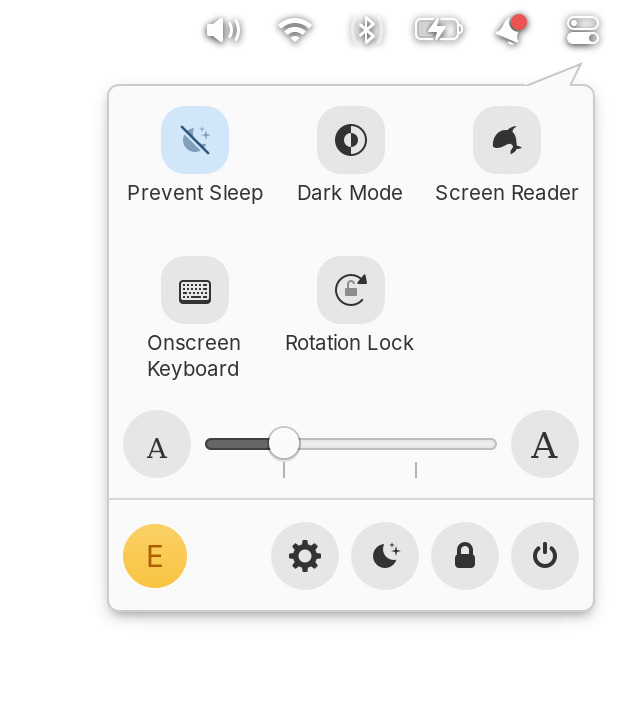 quick-settings
 search
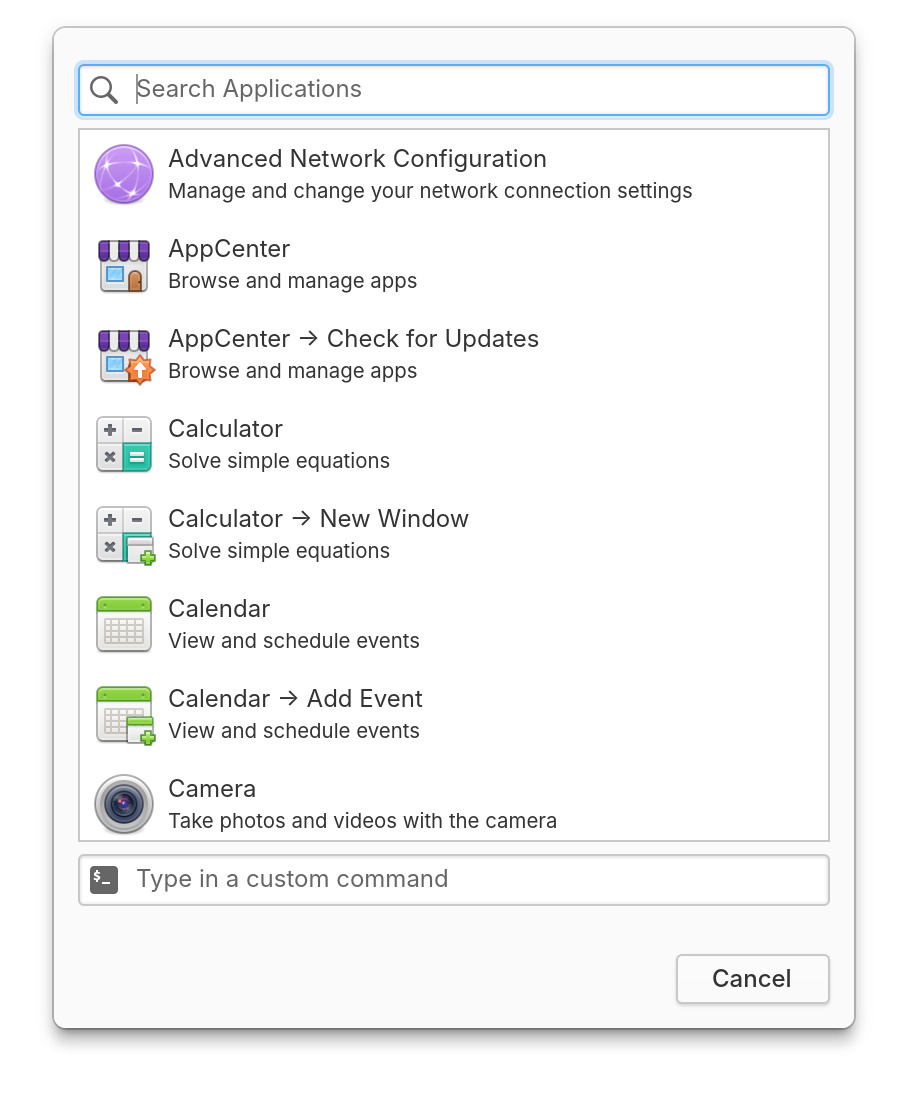 shortcuts-custom
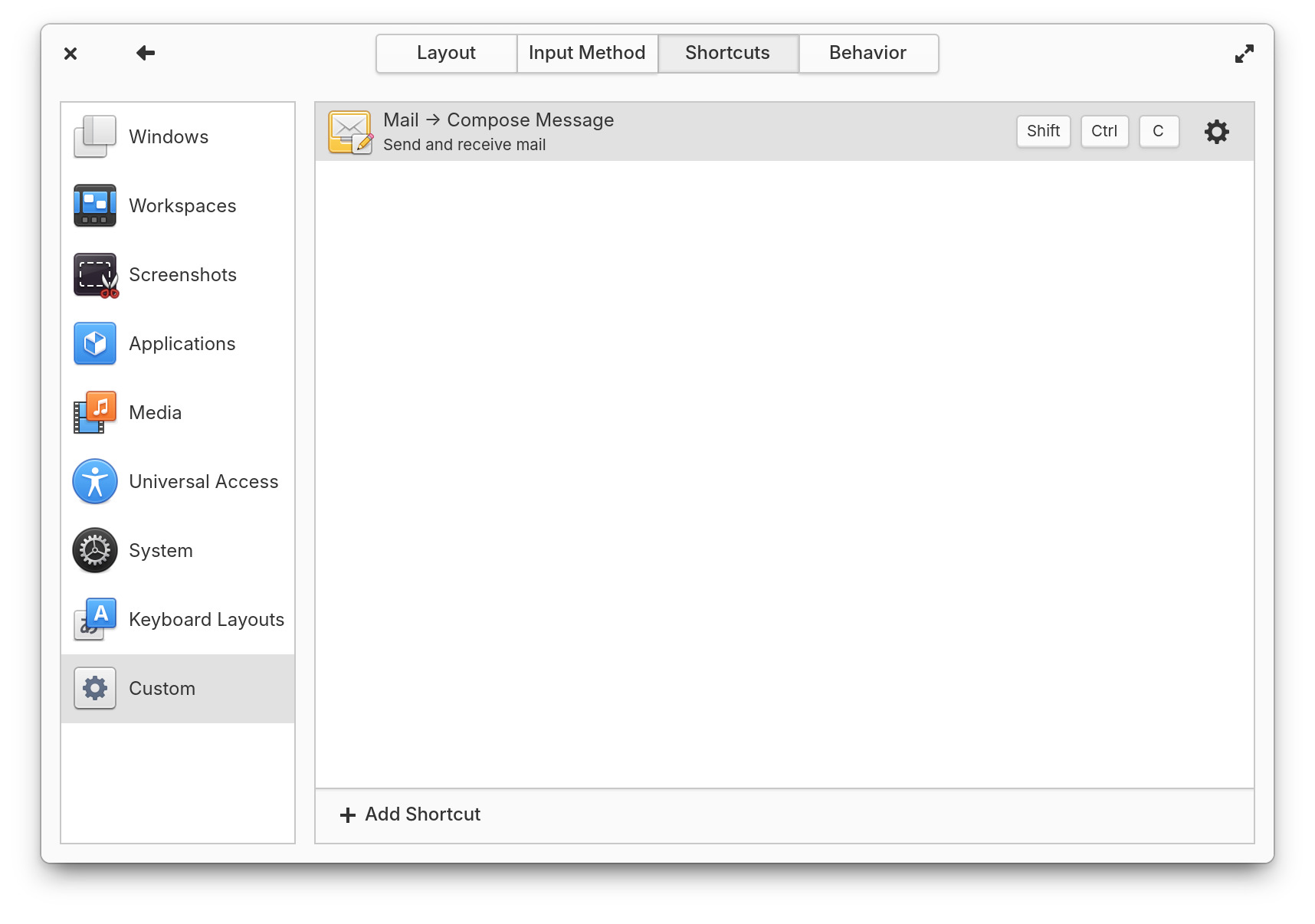 shortcuts
 system
 updates
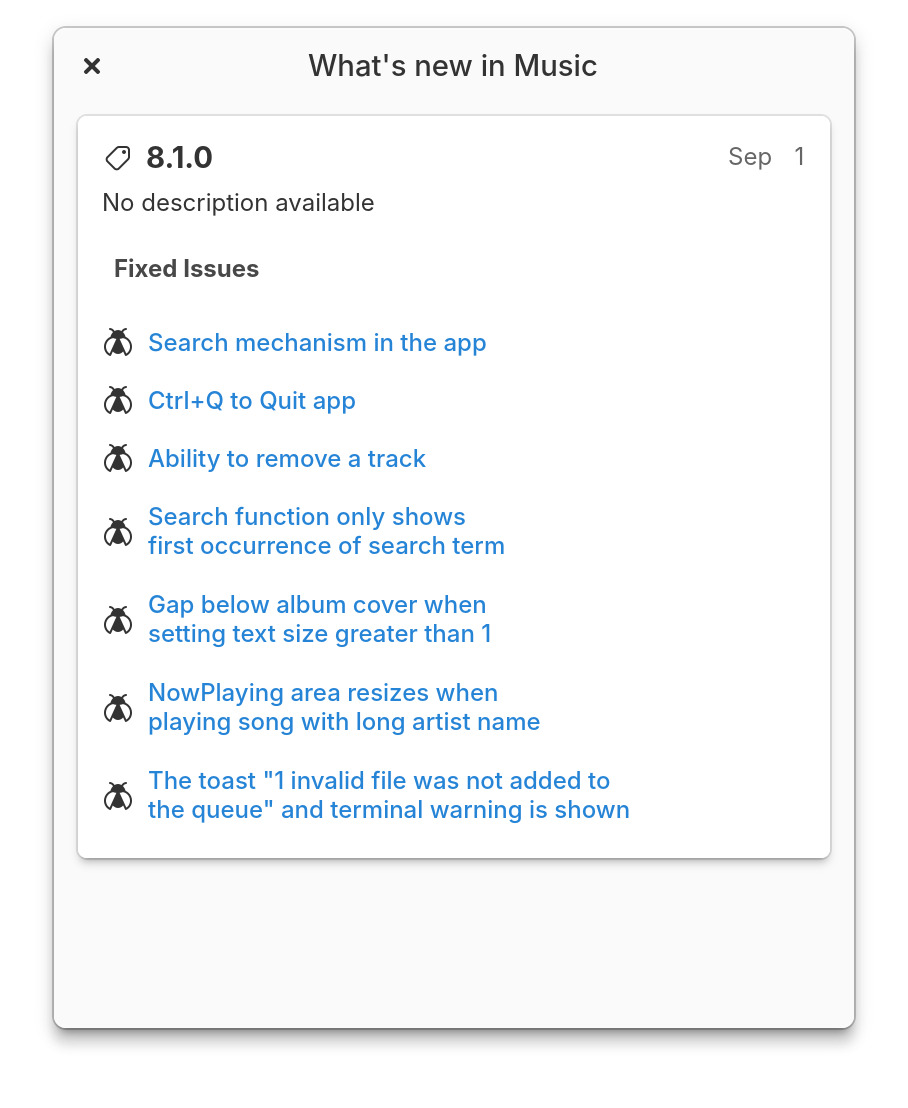 whats-new