Deepin 25.2.0 Released: Treeland Stability and Smart Search
Deepin Technology has released deepin 25.2.0, a point update to the deepin 25 series. The release focuses on three areas: Treeland compositor stability, file management and search, and general desktop interaction. It fixes a long list of known issues and aims to make daily use of deepin 25.2.0 noticeably smoother.
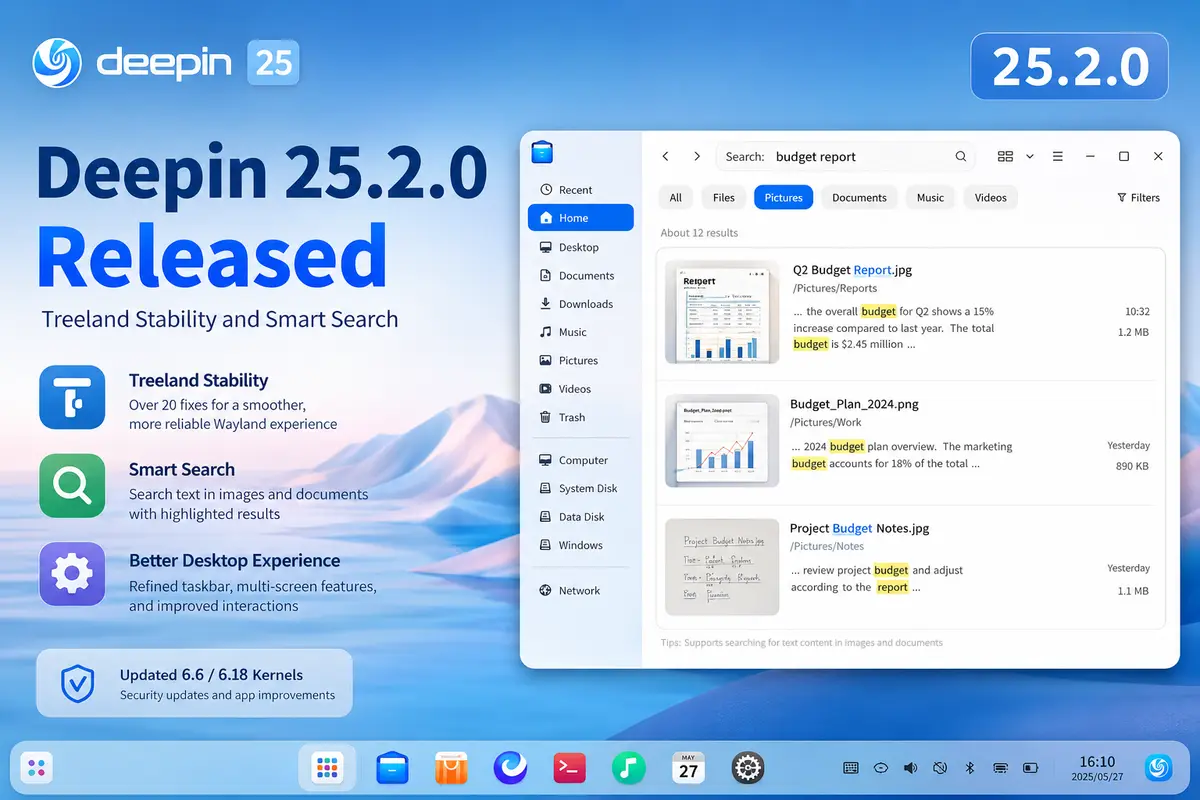
Treeland compositor gets more stable
Treeland is deepin’s in-house Wayland compositor, and this release patches more than 20 stability issues. Fixes target odd behavior during login and logout, multitasking view, window management, and focus switching. The team has also lined up Treeland with core DDE features like input devices, display settings, personalization, and power management, so the compositor now covers the features people rely on every day.
Multi-screen support is broader too. Users can clone or extend displays, and set different resolutions or scaling per screen. Dynamic wallpapers, scheduled standby, suspend, and display turn-off now work as expected under Treeland.
Better file search, including inside images
File Manager gains a new indexing configuration. Users can turn indexing on for faster filename search, or off to save background resources. A new image content search feature lets people search local images by the text inside them, which is handy for screenshots, scanned documents, and photos of posters or documents.
Search results now show text match snippets from images with keywords highlighted, both in File Manager and in Global Search. Global Search can also match on a document’s actual content, not just its filename. Samba sharing, mount and unmount path handling, and USB drive support have been tightened up as well.
Desktop and taskbar refinements
The taskbar’s icon split mode now shows a separate icon per window, so an app with multiple windows, like WeChat’s main window and a mini-program window, is easier to tell apart. Display settings add a cross-screen splicing mode that joins several monitors into one continuous display area, arranged horizontally, vertically, or in a grid, which is useful for dashboards and large-screen setups.
Update settings can now pick a mirror source automatically, or let users test speeds and switch manually. The launcher, taskbar, touchscreen handling, tray pop-ups, and window focus and switching all received smaller interaction fixes.
Kernel, security, and app updates
Deepin 25.2.0 ships updated 6.6 and 6.18 kernel branches for AMD64, ARM64, and Loong64. Qt6, initramfs, ALSA, PipeWire, and libvirt were updated, along with security patches across OpenSSL, OpenSSH, curl, poppler, xorg-server, xwayland, and ffmpeg covering multiple CVEs.
Bundled apps got attention too: Terminal, Archive Manager, Mail, Image Viewer, Album, Music, and Movie all received fixes for display, interaction, and stability issues. Document Viewer now supports scrolling line by line with the arrow keys.
This release builds on the improvements made in deepin 25.1.0, which brought the kernel up to 6.18 and introduced the BORE scheduler. If you’re already on deepin 25, 25.2.0 is available as a direct upgrade through Control Center, or as a fresh installation image from the official deepin 25.2.0 release note.