Fedora Linux 44 Released with GNOME 50 and KDE Plasma 6.6
The Fedora Project has announced the release of Fedora Linux 44. This release brings GNOME 50 to the Workstation edition, a revamped KDE Plasma Desktop experience, and several under-the-hood improvements that make Fedora faster and more compatible across use cases.
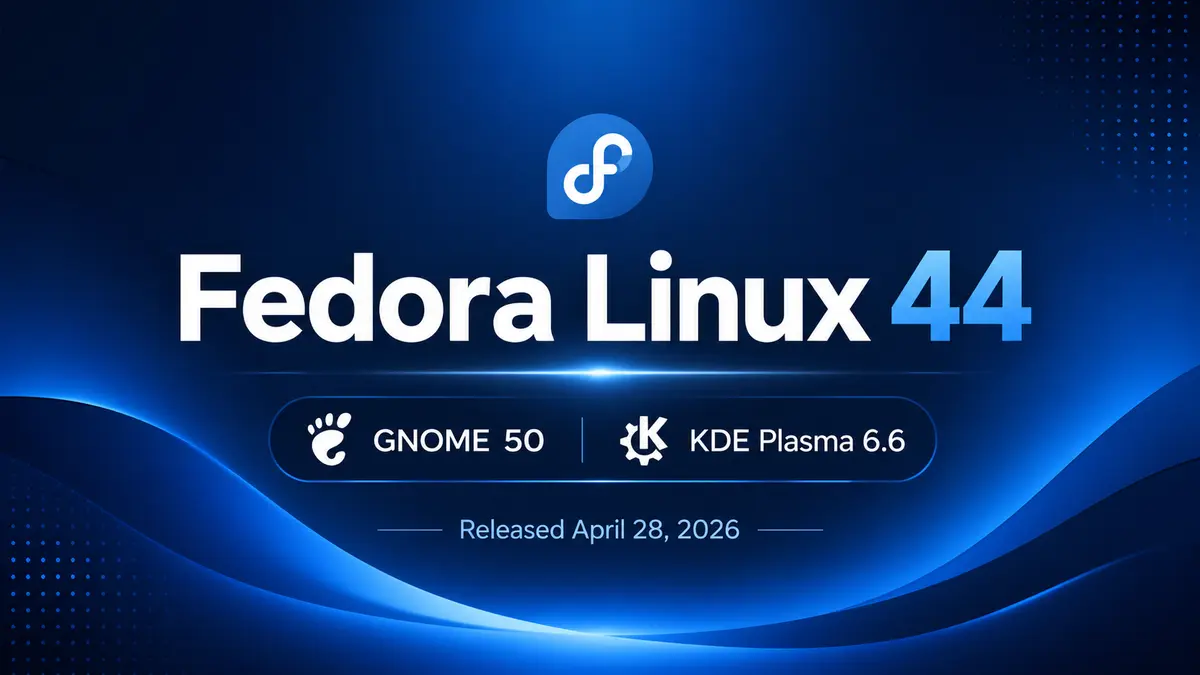
Jef Spaleta, Fedora Project Leader, made the announcement on April 28, 2026. Fedora 44 follows Fedora Linux 43 and builds on the strong foundation laid in that release. If you followed the Fedora 44 Beta coverage, many of these changes will be familiar.
Key Highlights of Fedora Linux 44
GNOME 50 on Fedora Workstation
Fedora Workstation 44 ships with GNOME 50, the latest major release from the GNOME project. This version brings improvements across accessibility, color management, and remote desktop support. Built-in parental controls arrive as part of the Digital Wellbeing initiative — users can now set screen time limits and bedtime schedules directly from Settings.
Default applications like the Document Viewer, File Manager, and Calendar have all received updates in this cycle. For the full list of GNOME 50 changes, see the official GNOME 50 release notes.
KDE Plasma 6.6 and a Better First-Run Experience
Fedora KDE Plasma Desktop 44 ships with Plasma 6.6. Two notable changes stand out for new users: the Plasma Login Manager now replaces SDDM as the default display manager, and the new Plasma Setup application guides users through initial configuration when they first boot the system. Together, these give KDE users a more cohesive experience from the start.
Wine NTSYNC for Better Windows App Compatibility
The NTSYNC kernel module is now enabled for packages that benefit from it, most notably Wine and Steam. When a package that recommends wine-ntsync is installed, NTSYNC activates automatically on subsequent boots. This can improve both compatibility and performance when running Windows applications and games under Linux — no manual configuration needed.
Notable Plumbing Changes
MariaDB 11.8 is now the default. Fedora 44 ships both mariadb-10.11 and mariadb-11.8, but the unversioned default packages now point to 11.8. Existing users upgrading from Fedora 43 will not see a change; only fresh MariaDB installs are affected.
OpenSSL certificate loading is faster. Fedora 44 uses directory-hash support for ca-certificates, which reduces the time OpenSSL takes to load. Some certificate bundle paths have changed on the filesystem as a result.
Anaconda network profiles are cleaner. The installer now only creates network profiles for devices you configure during installation, rather than generating profiles for every detected device. This simplifies post-install network management.
Fedora Cloud /boot moved to Btrfs. Cloud images that support it now use a Btrfs subvolume for /boot instead of a separate partition. This reduces image size and improves space utilization.
Downloading and Upgrading
Fedora 44 is available for fresh install across all major editions — Workstation, KDE Plasma Desktop, Cloud, Server, CoreOS, and IoT. Atomic Desktops (Silverblue, Kinoite, Cosmic, Budgie, Sway) and alternate Spins are also available.
Existing Fedora users can upgrade through GNOME Software or via the terminal using dnf system-upgrade. The process is straightforward and similar to a regular system update. For step-by-step guidance, see the official Fedora upgrade documentation.
If you run into any issues, the Ask Fedora forum maintains a list of common issues and workarounds.
For a deeper look at everything that changed, the Fedora 44 Change Set wiki is the most complete reference. You can also compare Fedora’s trajectory by looking at the Fedora Linux 42 release, which introduced GNOME 48 and WSL support.