Ubuntu 26.04 LTS Resolute Raccoon Released with All Flavors
Canonical released Ubuntu 26.04 LTS, codenamed “Resolute Raccoon,” on April 23, 2026, along with nine official community flavors. This is a Long-Term Support release with five years of free security maintenance until April 2031, and up to ten years with Ubuntu Pro.
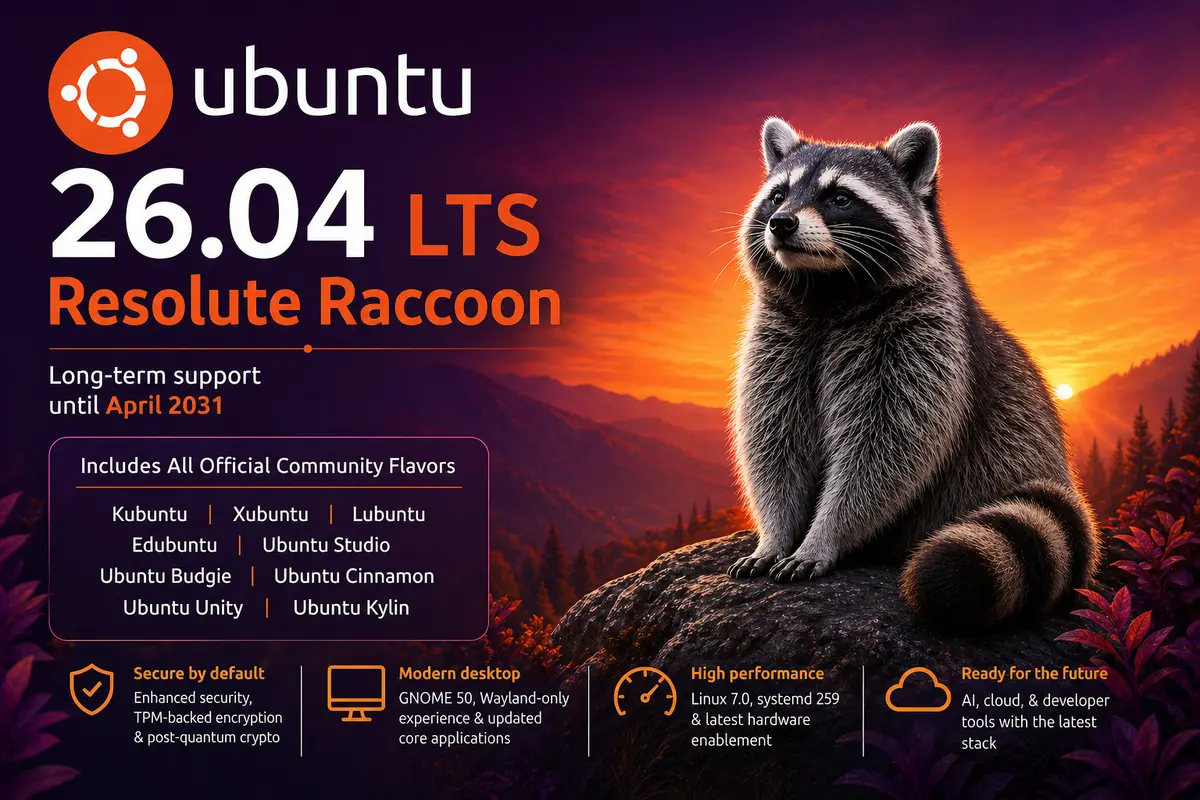
The codename “Resolute Raccoon” holds special meaning. It was chosen in tribute to Steve Langasek, a longtime Debian and Ubuntu release manager who passed away in early 2025. The word “Resolute” reflects determination and unwavering commitment — qualities that defined his contributions to the Linux community.
This article covers the main Ubuntu release and all official community flavors released on the same day. This follows a pattern similar to our coverage of Ubuntu 25.10 Questing Quokka and Ubuntu 25.04 Plucky Puffin and its flavors.
Ubuntu 26.04 LTS — Core Highlights
Ubuntu 26.04 LTS brings a significant modernization across the desktop, security, and server stack.
Desktop and GNOME 50: The default Ubuntu desktop ships with GNOME 50. This release removes the GNOME-on-X11 session entirely — the GNOME desktop now runs exclusively on Wayland, while XWayland remains available for legacy X11 applications. This does not affect other desktop environments, which continue to support X11 sessions.
The default application lineup has been refreshed. Papers replaces Evince as the PDF viewer, Loupe replaces Eye of GNOME for images, Ptyxis replaces GNOME Terminal, Resources replaces both System Monitor and Power Statistics, and Showtime is now the default video player. A new Security Center application provides a central location for managing full-disk encryption, Secure Boot, and app permissions.
Linux Kernel 7.0: The release ships with Linux kernel 7.0, a major upgrade from 6.8 in Ubuntu 24.04 LTS. Kernel crash dumps are now enabled by default on desktop installs, the new sched_ext framework enables hot-swappable eBPF-based CPU schedulers, and the linux-lowlatency package has been retired in favour of a leaner tuning approach on linux-generic.
Memory-safe core utilities: Canonical’s ongoing effort to “carefully but purposefully oxidise” Ubuntu continues in this LTS. Most GNU coreutils have been replaced by Rust-based equivalents (rust-coreutils), with the notable exception of cp, mv, and rm — these three remain on GNU coreutils for now due to unresolved TOCTOU security issues that need fixing before Canonical is confident shipping them. The plan is to complete the switch in Ubuntu 26.10. Separately, sudo-rs (a Rust rewrite of sudo) ships as the default sudo provider in this release. Both changes improve memory safety without changing everyday usage.
Security improvements: Ubuntu 26.04 LTS ships TPM-backed full-disk encryption in general availability, enables post-quantum cryptography defaults, and introduces the unified Security Center app. Livepatch support is extended to Arm systems.
System infrastructure: The release ships systemd 259 with cgroup v1 support removed — only cgroup v2 is supported now. Dracut replaces initramfs-tools as the default initramfs generator. APT 3.2 ships with the apt-key tool removed. OpenSSH 10.2 is included.
AI and cloud: Ubuntu 26.04 LTS is the first Ubuntu release to distribute NVIDIA CUDA natively in its repositories. AMD ROCm support is also improved. On the server side, the release includes PHP 8.5, PostgreSQL 18, MySQL 8.4, Docker 29, QEMU 10.2.1, and OpenStack 2026.1.
System requirements: Ubuntu Desktop 26.04 LTS recommends a minimum of 6 GB RAM (up from 4 GB in 24.04 LTS) for a comfortable experience. Ubuntu Server starts at 1.5 GB RAM and 4 GB storage.
The official release announcement and full release notes are available at documentation.ubuntu.com.
Kubuntu 26.04 LTS — KDE Plasma 6.6 with Full Wayland Support
Kubuntu 26.04 LTS delivers KDE Plasma 6.6 as the flagship desktop environment, alongside Qt 6.10.2, KDE Frameworks 6.24.0, and KDE Gear 25.12.3.
The Plasma Wayland session is now the default and fully supported session. The plasma-session-x11 package remains available in the archive for users who need it, but it is not installed by default and is not supported by the Kubuntu team.
Notable new features in this release include:
- OCR text recognition in Spectacle: KDE’s screenshot tool can now extract text from screenshots directly, with multi-language support via Tesseract language data packages.
- Integrated on-screen keyboard: Plasma 6.6 adds a fully integrated on-screen keyboard for touchscreen devices and users with accessibility needs.
- Extensive theming improvements: Custom global themes, colour scheme handling, and widget customisation options have all been expanded.
Kubuntu 26.04 LTS will receive security updates through April 2029. For more details, see the Kubuntu 26.04 release notes.
Xubuntu 26.04 LTS — Xfce 4.20 with Wayland Progress
Xubuntu 26.04 LTS is a Long-Term Support release supported for 3 years until April 2029. It ships with Xfce 4.20, which brings stability improvements and enhanced Wayland support for adventurous users. The release also includes updated GNOME 49 and MATE 1.28 applications to complete the desktop suite.
Key package updates include GIMP 3.2.2, LibreOffice 26.2, Mousepad 0.7.0, PipeWire 1.6.2, and GStreamer 1.28.2. Both a full Xubuntu Desktop image and a minimal Xubuntu Minimal image are available for download.
Known issues include missing icons in some Libadwaita applications and an unavailable graphical SSH agent due to an upstream change in GNOME Keyring Daemon. See the Xubuntu 26.04 release announcement for details. Our Xubuntu reference page covers the project in depth.
Lubuntu 26.04 LTS — LXQt 2.3 and the 30th Release Milestone
Lubuntu 26.04 LTS marks the project’s 30th release. It ships with LXQt 2.3 and Linux kernel 7.0. This is also the first Lubuntu LTS to ship with a primarily Qt 6-based environment, with improved application theming using Kvantum as the engine. The new “Fancy Menu” application launcher replaces the earlier menu and brings a better search and navigation experience.
Improvements in LXQt 2.3 include a Desktop Switcher that now works with Wayland compositors supporting the ext-workspaces-v1 protocol (such as labwc and niri), a “Safely Remove” option in PCManFM-Qt, emoji flag support in QTerminal, and LZ4 archive support.
Wayland support is not available on the ISO for this release; the team could not get it ready in time. It may appear later as a PPA. Lubuntu 26.04 LTS is supported until April 2029. Download from the Lubuntu website.
Edubuntu 26.04 LTS — Rewritten Installer, GNOME 50, and Wider Language Support
Edubuntu 26.04 LTS is designed for schools and educational environments, with 3 years of support until April 2029. It ships with GNOME 50 and the new Teal Accent Color (Yaru-prussiangreen).
The most significant change is a complete rewrite of the Edubuntu Installer and Menu Administration tools in Python. The new tools feature dual UI backends — GTK4 for GNOME environments and Qt6 for others — and they auto-detect the desktop environment at launch. A Cockpit web-based remote administration module allows administrators to configure age-group settings across a network.
The installer and menu tools now support 21 languages including Arabic, Chinese (Simplified), French, German, Hindi, Japanese, Korean, Portuguese, Russian, Spanish, Turkish, and Ukrainian.
New default applications include Thunderbird (replacing Geary), GNOME Showtime (replacing Totem), Rhythmbox (replacing GNOME Music), Foliate e-book reader, Paperboy news reader, Arduino IDE, Raspberry Pi Imager, GChemPaint, and GNOME Notes (Bijiben). GTK 2 packages have been removed as GTK 2 is no longer supported upstream. Read the full Edubuntu 26.04 release announcement.
Ubuntu Studio 26.04 LTS — Three Desktop Layouts for Creative Workflows
Ubuntu Studio 26.04 LTS is the 38th release of this creative-focused flavor and is supported for 3 years through April 2029. It builds on the KDE Plasma 6.6 stack — the same used by Kubuntu.
The headline addition is three selectable desktop layouts:
- The classic Ubuntu Studio top-panel layout
- A macOS-like layout with global menu and dock
- A Windows-like bottom-panel layout
The default layout for new installs was selected through a community vote.
Both the Ubuntu Studio Installer and Ubuntu Studio Audio Configuration tools have been completely rewritten in Python with dual GTK4 and Qt6 frontends, and both now support 21 languages. The Audio Configuration tool adds built-in support for FFADO FireWire devices and simpler PipeWire tuning through menus. VLC is now the default media player, and vmpk replaces jack-keyboard for MIDI users.
Live sessions now inhibit the lock screen and screensaver to prevent interruptions during demos. See the Ubuntu Studio 26.04 LTS release announcement for the full details.
Ubuntu Budgie 26.04 LTS — Full Wayland Migration with labwc
Ubuntu Budgie 26.04 LTS makes a definitive move to Wayland. It ships Budgie Desktop 10.10.2 and uses labwc — a wlroots-based compositor — as the default compositor. No Xorg session is provided in this release.
Key changes include:
- Screen sharing, screenshots, and display configuration all use modern Wayland portals and wlroots tooling.
- Crystal Dock is enabled and configured out of the box.
- SDDM is used as the login manager with a custom Ubuntu Budgie greeter that supports per-user wallpapers, translations, and customisation.
- VLC is now the default media player (replacing Parole).
- A new Screencast Applet handles screen and area recording with optional audio.
- Built-in screen magnification is available without external tools.
Applets that rely on X11-specific functionality (such as budgie-carbon-tray-applet and budgie-pixel-saver-applet) are not included. The release is supported until April 2029. Download and release notes are at the Ubuntu Budgie website.
Ubuntu Cinnamon 26.04 LTS — Cinnamon 6.4.13
Ubuntu Cinnamon 26.04 LTS ships with Cinnamon 6.4.13 on the Ubuntu 26.04 LTS base. It is an LTS release supported until 2029, giving users three years of updates and bug fixes.
Users on Ubuntu Cinnamon 25.10 (Questing Quokka) are encouraged to upgrade, as that release reaches end of life in July 2026. Users on the previous LTS (24.04 Noble Numbat) can continue using it for approximately one more year before upgrading.
The release was announced by project lead Joshua Peisach, who dedicated this release to his high school Bergen County Academies, from which he is graduating this year. For more details, see the Ubuntu Cinnamon 26.04 release announcement.
Ubuntu Unity 26.04 — Unity 7.7 Maintenance, Without LTS Status
Ubuntu Unity 26.04 continues with Unity 7.7, which has received maintenance work focused on fixing long-standing bugs. This release does not carry LTS status due to limited contributor resources — the team’s lead developer Rudra has been away, and this is the first release managed without him and Maik.
Notable fixes in this release include:
- Corrected window decorations for GTK3/4 and Libadwaita apps
- Fixed tap-to-click on touchpads
- Fixed snap apps unpinning from the launcher
- Moved from unity-gtk3-module to appmenu-gtk3-module for better global menu compatibility
- Switched from gnome-screensaver to light-locker
- Removed unmaintained packages (cheese, vino, unity-gtk2-appmenu)
- Welcome to new contributors: Tomasz, Gautham, Kavish, Alfred, Lexi, and Azzy
Known issues include an occasional missing cursor after login, a non-functional shutdown/logout menu after cancelling, and intermittent compiz cursor issues. Workarounds are documented in the Ubuntu Unity 26.04 release notes.
Ubuntu Kylin 26.04 LTS — Chinese-Localized Desktop
Ubuntu Kylin 26.04 LTS is the official Ubuntu flavor developed for Chinese-speaking users, with a localized desktop environment and region-specific applications. It is an LTS release supported for 3 years.
For full details on features and downloads, see the Ubuntu Kylin 26.04 release page.
What About Ubuntu MATE 26.04?
Ubuntu MATE will not release a 26.04 version. The project leader announced their departure in late March 2026, and no official builds were created for this cycle. The Ubuntu MATE project has not received LTS status for 26.04. Users on Ubuntu MATE 24.04 LTS can continue using it until its end of life.
Download Ubuntu 26.04 LTS and Its Flavors
All official Ubuntu 26.04 LTS images are available from the respective project websites:
| Flavor | Desktop Environment | Download |
|---|---|---|
| Ubuntu | GNOME 50 | ubuntu.com/download |
| Kubuntu | KDE Plasma 6.6 | kubuntu.org |
| Xubuntu | Xfce 4.20 | xubuntu.org/download |
| Lubuntu | LXQt 2.3 | lubuntu.me |
| Edubuntu | GNOME 50 | cdimages.ubuntu.com/edubuntu |
| Ubuntu Studio | KDE Plasma 6.6 | ubuntustudio.org/download |
| Ubuntu Budgie | Budgie 10.10.2 | ubuntubudgie.org/downloads |
| Ubuntu Cinnamon | Cinnamon 6.4.13 | ubuntucinnamon.org/download |
| Ubuntu Unity | Unity 7.7 | cdimage.ubuntu.com/ubuntu-unity |
| Ubuntu Kylin | UKUI | ubuntukylin.com/downloads |