Kali Linux 2026.3 Released with Plasma 6.7 and New Tools
Kali Linux 2026.3 is out, the third release of 2026. It moves the distribution to Linux kernel 7.1.5, adds KDE Plasma 6.7, and ships six new tools. The headline change is behind the scenes: the team rebuilt the scripts that produce Kali’s official images, so building your own Kali ISO is now simpler.
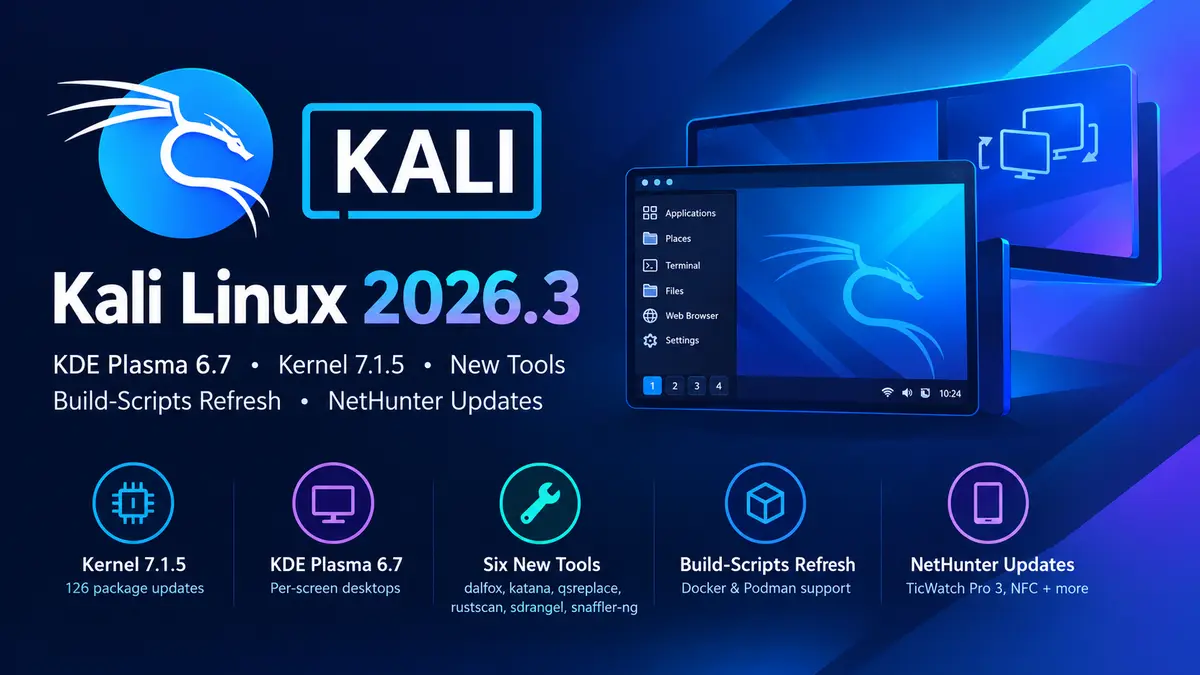
What’s new in Kali Linux 2026.3
- Kernel 7.1.5: up from 6.19, with 126 package updates in total.
- KDE Plasma 6.7: adds per-screen virtual desktops. Xfce stays the default desktop, so Plasma is an option you choose.
- Six new tools: dalfox, katana, qsreplace, rustscan, sdrangel, and snaffler-ng.
- Build-scripts refresh: one set of options across all scripts, plus builds inside Docker or Podman.
- NetHunter: wardriving on the TicWatch Pro 3, NFC access in the Kali chroot, and KernelSU support.
Why the build-scripts change matters
Kali has always published the scripts it uses to make its images. Until now, each script behaved a little differently, and the team advised building Kali on Kali. That was awkward if you had no Kali machine yet.
Each refreshed script now has a build-in-container.sh helper. It finds Docker or Podman on your host, creates a build container, and runs the build there. In practice, any Debian or Ubuntu box with a container engine can produce a Kali image. That helps if you want a custom installer with your own hostname and package set, or an ARM image built from an x86 machine.
A container build of the default installer looks like this:
$ git clone https://gitlab.com/kalilinux/build-scripts/kali-installer.git
$ cd kali-installer
$ sudo ./build-in-container.sh
Options such as --hostname, --packages, --branch, --variant, and --arch work across the scripts. Run ./build.sh --help for the list.
There are two caveats. The refresh is not complete: some scripts are still waiting, and the team targets Kali 2026.4 for the rest. Some CI pipelines also broke during the changes, so check any automation that calls these scripts before you update it.
Plasma 6.7 for multi-monitor work
The feature that matters for security work is per-screen virtual desktops. Each monitor can switch workspaces on its own. You can leave Burp Suite or your notes on one screen and move through terminals on the other. Plasma 6.7 also lowers power use on integrated Intel GPUs and lets you duplicate network connections. See the KDE Plasma 6.7 announcement for the full change list.
The six new tools
| Tool | What it does |
|---|---|
| dalfox | XSS scanner built for automation |
| katana | Crawling and spidering framework |
| qsreplace | Replaces query string values in URLs read from stdin |
| rustscan | Fast port scanner |
| sdrangel | Qt front-end for SDR devices |
| snaffler-ng | Finds credentials and sensitive files on SMB shares |
The first three fit a web testing workflow: crawl with katana, rewrite parameters with qsreplace, then scan with dalfox.
NetHunter: a watch and NFC
Kali NetHunter adds wardriving on the TicWatch Pro 3. A libnexmonkali update gives the watch internal monitor mode, so tools in the Kali chroot can use it. WearHunter, an experimental tool, lets you control the watch from your phone over ADB. Separately, NFC access in the chroot lets you read, clone, and edit Mifare Classic cards without an external adapter. The release also adds nine device kernels. The Kali release post lists them all, along with the website and documentation updates.
How to upgrade to Kali Linux 2026.3
On an existing install, a normal full upgrade is enough:
$ sudo apt update && sudo apt -y full-upgrade
$ grep VERSION /etc/os-release
You should see VERSION_ID="2026.3". If your package sources are still in the old format, the release post shows how to switch to the new kali.sources file.
Download Kali Linux 2026.3
Fresh images are on the Kali download page. Weekly builds are also available but do not get the same QA as release images. Missed earlier releases? See our posts on Kali Linux 2026.2 and Kali Linux 2026.1, or browse our Kali Linux archive.
Source: Kali Linux 2026.3 Release (Build-Scripts Refresh), Kali Linux Blog