SparkyLinux 2026.03 Released with Linux 6.19.6 and GCC15
SparkyLinux 2026.03 “Tiamat” is now available. This is the latest snapshot in the project’s semi-rolling line, built on Debian testing “Forky”. All packages are updated from the Debian and Sparky testing repositories as of March 14, 2026.
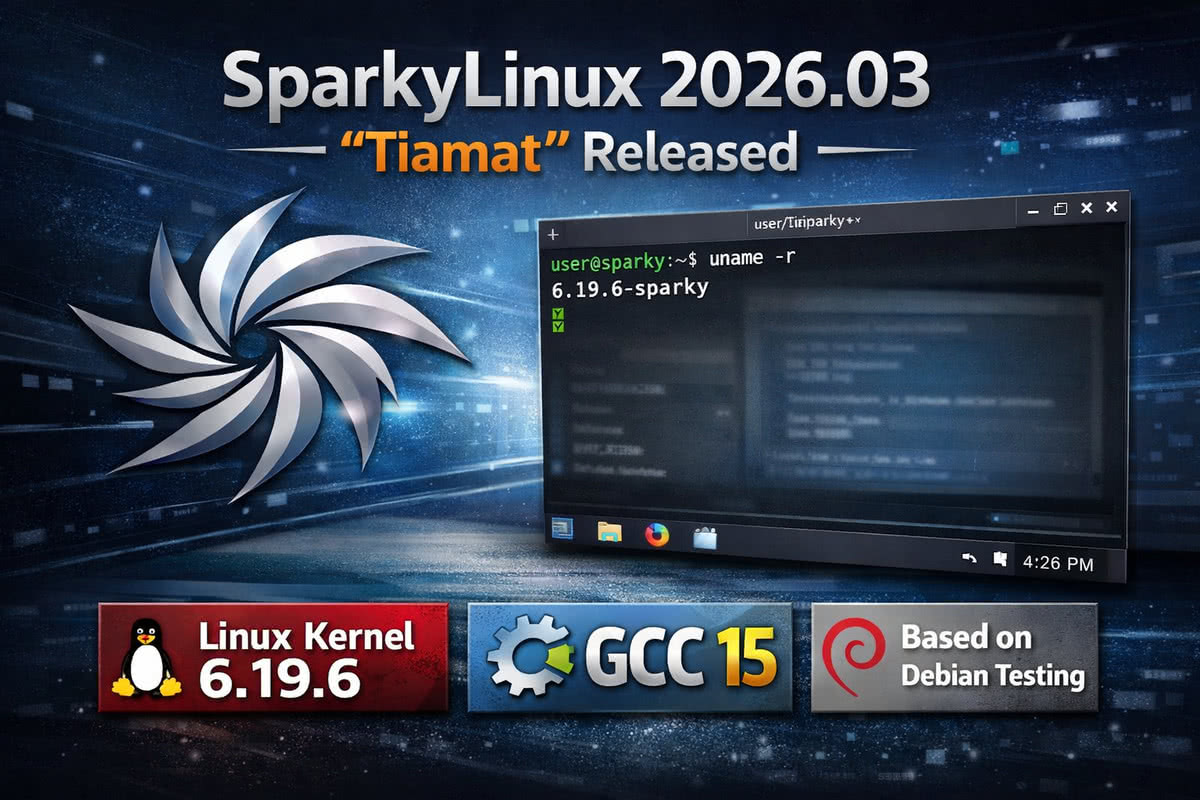 <Image generation prompt: SparkyLinux 2026.03 Tiamat release, Xfce desktop environment on a dark themed Linux desktop, sparky logo visible, terminal window open showing Linux kernel version 6.19.6, clean and modern UI layout, semi-rolling Debian-based distro aesthetic.>
If you already run the rolling edition of Sparky, you can skip the reinstall — a simple system update is enough to get to the latest state.
What’s New in SparkyLinux 2026.03
The default kernel in this release is Linux 6.19.6. Users who want other options can pick from 7.0-rc3, 6.19.8, 6.18.18-LTS, or 6.12.77-LTS through the Sparky repositories.
On the browser side, Firefox 140.8.0esr ships by default, with Firefox 148.0.2 available in the Sparky repos for those who prefer the latest release. Thunderbird 140.8.0esr handles email duties.
The release upgrades the compiler toolchain to GCC15, with GCC16-base also installed alongside it. The graphical installer has been updated to Calamares 3.4.2.
Two installer improvements stand out in this release. The CLI installer sparky-installer now supports installing the 32-bit (ia32) version of GRUB UEFI on 64-bit machines — useful for older hardware with mixed firmware. The Calamares graphical installer, meanwhile, now accepts a single-character password during setup (though the team recommends a strong password of at least 8–12 characters).
This follows earlier improvements in the Sparky semi-rolling series, which has steadily built up installer flexibility over recent releases.
Available Editions
SparkyLinux 2026.03 amd64 comes in six flavours: LXQt, KDE Plasma, MATE, Xfce, MinimalGUI (Openbox), and MinimalCLI (text mode). The live session uses live as the user password, with a blank root password.
A Note on UEFI Installation
Installing Sparky on a UEFI machine requires an active internet connection during setup. The team recommends using Calamares for UEFI systems. For older 64-bit machines with BIOS (or mixed UEFI), the CLI installer remains a solid option.
If you are moving from an older Sparky stable release, it is worth reviewing the SparkyLinux 8 “Seven Sisters” release for context on the project’s direction across both stable and semi-rolling lines.
Download
Fresh ISO images for SparkyLinux 2026.03 are available from the SparkyLinux rolling download page. The full release announcement is on the official SparkyLinux website.