How to use Claude to write blog posts

Writing a blog post can take a lot of time. You need to find a topic. Then, you need to plan the post, write it, and check it. To speed up the process, many people today use AI tools like Claude. But the quality of the blog post depends on how you use Claude for writing.
What is Claude and how can it help with blog writing?
Claude is an AI tool that can help you write text. You can give it a task, and it can give you an answer. You can use Claude for many blog tasks, such as:
- Finding blog ideas
- Making blog outlines
- Writing first drafts
- Making text easy to read
- Finding weak parts
- Writing FAQs
- Improving titles
- Helping with SEO
Claude can save you time. However, you still need to guide it.
How to use Claude to write a blog post?
If you are thinking that you will just open Claude and run a prompt like:
“Write me a blog post on the topic [Topic]”.
Well, then you are just going to get a shitty piece of content that no one will like to read. To write a better blog post using Claude, here is the process you should follow.
Clear the intent
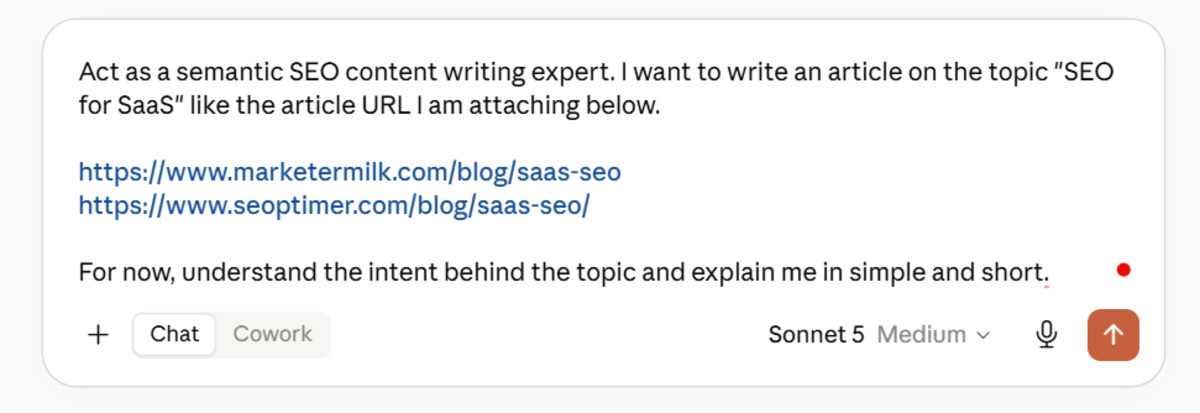
Begin by clearing up the intent for the topic. Sometimes you want to write a topic in a different way, and AI models cover that for a different intent. So, a good practice is to begin by providing Claude with your text and asking it to provide you with the intent behind it.
If the intent explained by Claude matches your idea, you are okay to go. Otherwise, tell it what you expect from that topic. If possible, a better approach is to provide some sample blog posts that have discussed the same topic as you want to like we did in the below image.
Create outline
Do not start by asking Claude to write 1,000 words. First, ask it to make an outline.
Tell Claude about the target reader and your main goal and ask it to create an SEO friendly outline structure for it.
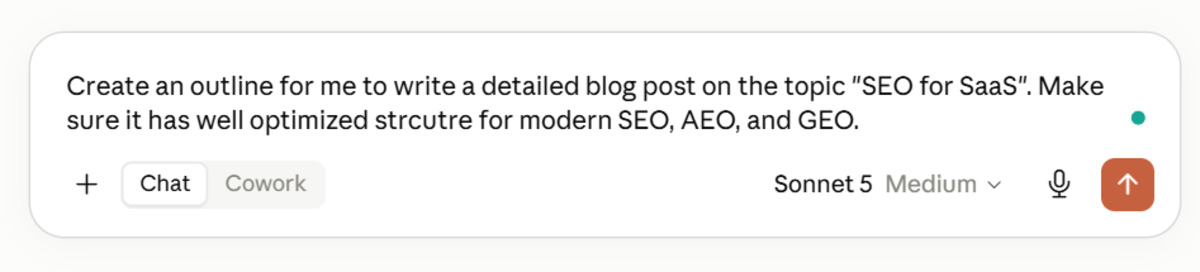
Read the outline before you use it. Remove any weak headings. Add points that matter to your readers.
A good outline makes the writing task much easier.
Generate a draft
After creating outline, within the same chat run a clear prompt to get the first draft generated.
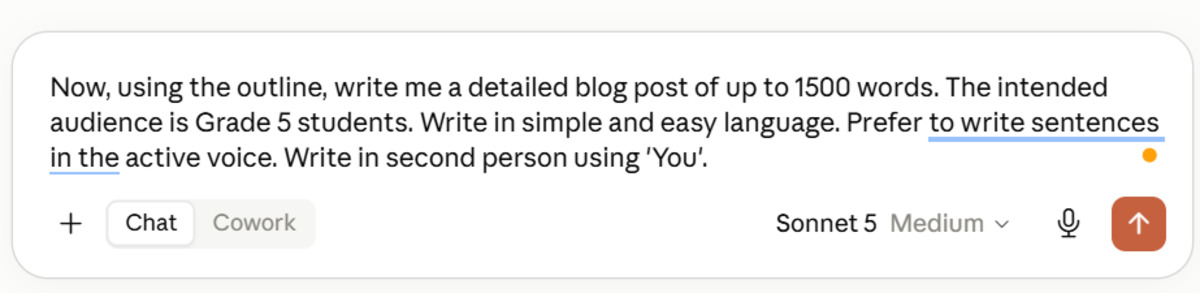
Clearly tell Claude:
- How many words you need
- Who will read the post
- What tone to use
- Which keywords to use
- What headings to follow
The more clear your prompt is, the better the result can be.
Humanize the blog post
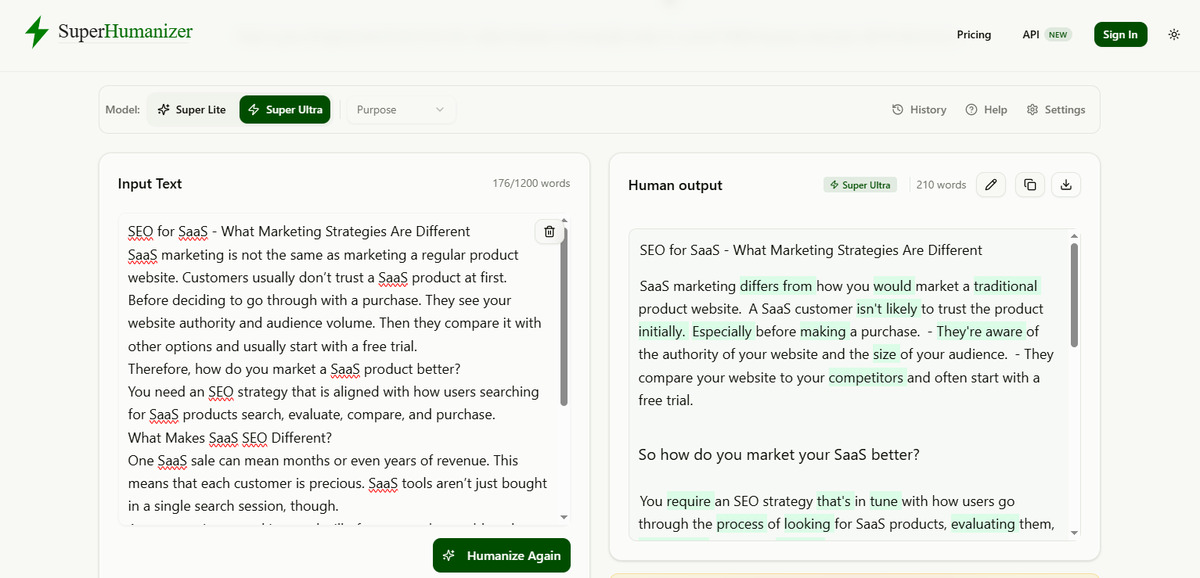
Now that you have a first draft, humanize it first. Because AI detection is a heated debate. And to make the blog post feel natural, humanize AI text. You can easily do this using free websites like SuperHumanizer.ai or Humanizerpro.ai.
Get it proofread
Copy the humanized version of the text and input it into Claude. Ask Claude to proofread it by running the below command:
“Just proofread the attached article and fix grammar, spelling, and punctuation errors. Do not rewrite or make additions of the text”.
Perform necessary checks
Now perform necessary checks for the proofread version of the text. Run it through tools like Hemingway Editor to check readability and Yoast Readability Analysis to check SEO performance.
Further, check the AI detection and plagiarism scores. If all goes well, proceed with publishing. If you spot an issue, only get that particular section rewritten by following the whole process again.
Common mistakes to avoid when using Claude
Claude can help a lot. But you should avoid some common mistakes.
- Do not publish the first draft. Always read and edit it.
- Do not use vague prompts. Tell Claude what you need.
- Do not trust every fact. Check important claims.
- Do not stuff keywords. Use them only when they fit.
- Do not remove your own voice. Your ideas make the post unique.
- Do not make the post too general. Give readers useful details and examples.
Conclusion
Claude can make blog writing easier. You can use it to write blog posts faster. However, do not depend on it without checking the work. Follow the process we shared above for writing blog posts using Claude. When you use Claude in the right way, you can save time and create useful blog posts that readers enjoy.
Comments
Comments are loaded when you choose to open them, which keeps the page faster and lighter.