Zorin OS 18.1 Released: Linux 6.17, LibreOffice 26.2, and Lite Edition
The Zorin Group has announced Zorin OS 18.1, the first point release in the Zorin OS 18 series. It arrives six months after the Zorin OS 18 launch and brings a solid set of improvements: a newer kernel, updated apps, desktop refinements, and — for the first time in the 18.x series — a Lite edition for older hardware.
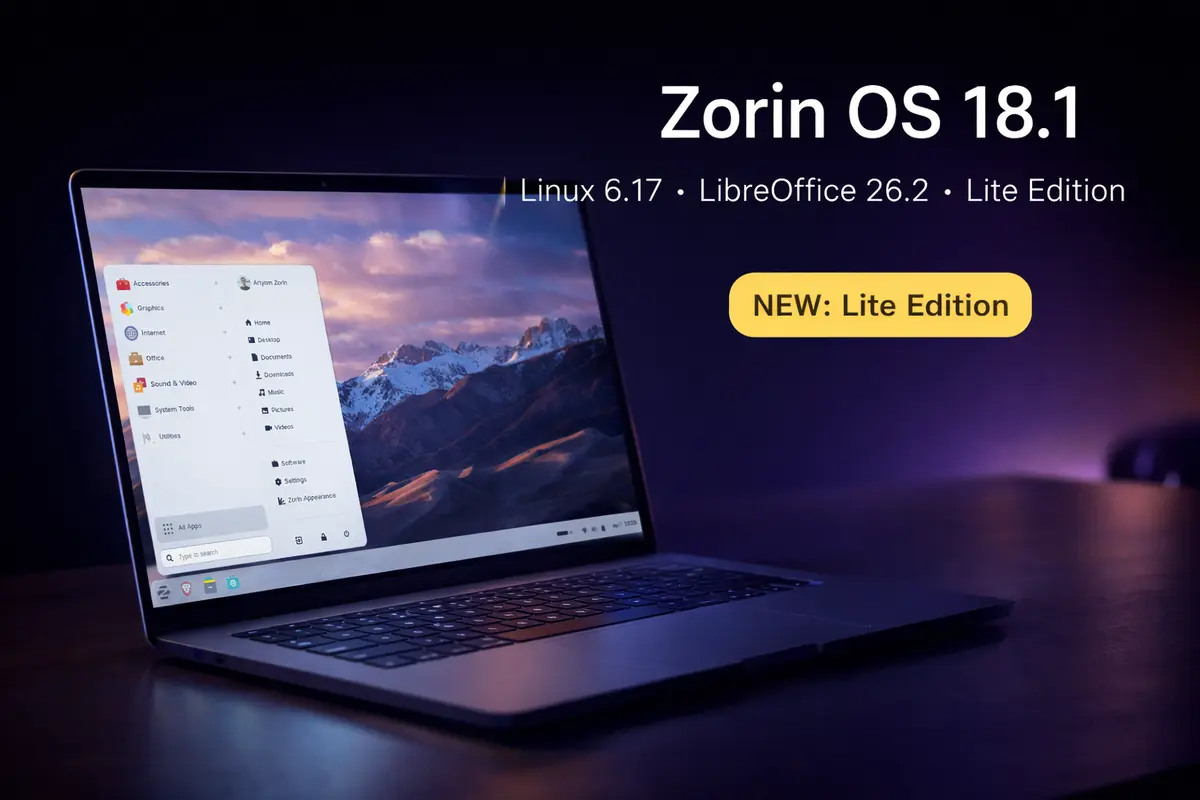
What’s new in Zorin OS 18.1
Expanded Windows app detection
The built-in database that detects Windows installer files has grown by over 40%, now covering more than 240 applications. When you try to run a Windows .exe, Zorin OS checks the database and points you to a native Linux version or a suitable alternative. For example, launching the Plex installer opens a prompt directing you to the Linux version in the Software store.
Advanced Window Tiling improvements
The tiling system gains three new behaviours: tiled windows can now come to the foreground together when you switch to a grouped app from the taskbar; tiling layouts can be reordered from the edit dialog; and edge tiling now snaps windows to your active custom layout rather than just screen halves or quarters.
Panel and desktop polish
The panel now renders correctly for right-to-left languages such as Arabic, Hebrew, and Urdu. A new toggle for tray icons in the panel gives you control over which app indicators appear and how they behave. Performance and bug fixes throughout the desktop make the system feel noticeably more responsive.
LibreOffice 26.2
Zorin OS 18.1 ships with LibreOffice 26.2, which adds Markdown support, connector shape objects in Calc and Writer, improved Microsoft Office/365 document compatibility, and several performance gains.
Lite edition arrives for the 18.x series
The Lite edition — built on Xfce 4.20 and aimed at older, lower-spec hardware — makes its 18.x debut alongside this release. It was last available in the 17.x line; Zorin OS 17.1 was the last point update to carry it before today’s launch.
Key changes in Lite compared to Zorin OS 17.3 Lite include a redesigned file manager with a streamlined interface, fingerprint reader support in the Settings app, refreshed desktop themes with a more rounded look, new Yellow and Brown theme colours, and tighter Web Apps integration for turning websites into desktop applications.
Hardware support and security
Zorin OS 18.1 is powered by Linux kernel 6.17 via the Ubuntu 24.04.4 LTS HWE (Hardware Enablement) stack. The updated driver set improves support for NVIDIA graphics cards, Intel Xe3 graphics, AMD hybrid laptop GPUs, Lenovo ThinkPad and Samsung Galaxy Book laptops, Apple input devices (Magic Mouse 2, Touch Bar on Intel MacBook Pros), PlayStation 5 DualSense and other game controllers, and gaming handhelds such as the ASUS ROG Ally and Lenovo Legion Go.
Security patches are pre-installed out of the box. Support for updates and patches continues until June 2029, making it a practical choice for business and school deployments that need long-term stability. See the Zorin OS distribution page for an overview of available editions.
How to get Zorin OS 18.1
- Zorin OS 18 users — install available updates through the Software Updater; no reinstall needed.
- Zorin OS 17 users — a direct in-place upgrade is available without erasing files.
- New installs — all editions are available from the official Zorin OS website.
For further information on Zorin OS 18.1, read the official release announcement.