Mageia 10 Released: Plasma 6.5 and Wayland by Default
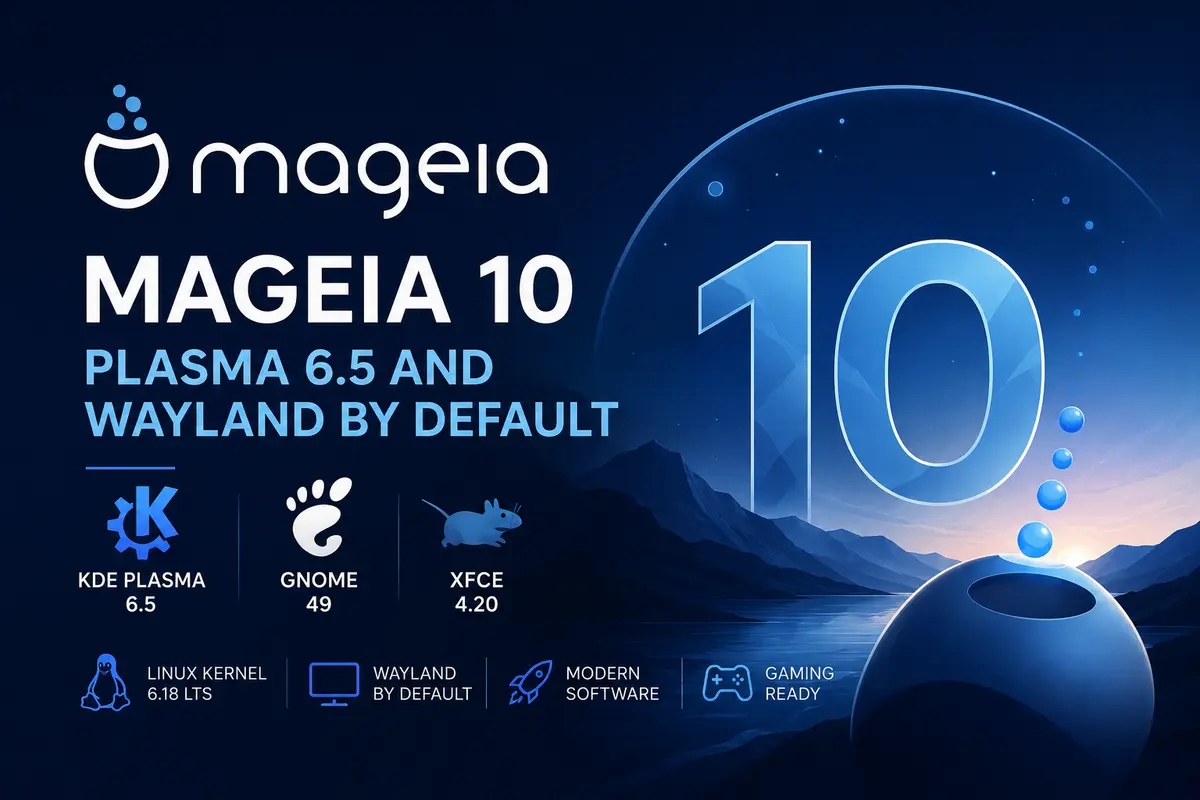
The Mageia community has announced the release of Mageia 10, nearly three years after Mageia 9. The release brings a major desktop refresh, with both KDE Plasma and GNOME moving to Wayland by default.
Mageia traces its roots back to 2010, when a group of former Mandriva employees kept the project alive as a community-run, nonprofit distribution. Sixteen years on, Mageia 10 continues that tradition with a release built entirely by volunteers.
What’s new in Mageia 10
The Mageia 10 release runs on the Linux 6.18 LTS kernel, which improves support for newer CPUs, graphics cards, storage controllers, and other modern hardware.
On the desktop side, Mageia 10 ships three main live editions:
- KDE Plasma 6.5, built on Qt 6.10 and KDE Frameworks 6.22
- GNOME 49
- Xfce 4.20
MATE 1.28, LXQt 2.3, and Cinnamon 6.6 are also available through the classical installer. Both Plasma and GNOME now default to a Wayland session, though you can still pick X11 at login if you need it. NVIDIA users on the proprietary driver may still want to stick with X11 until driver support catches up. SDDM replaces the previous display manager as the default login screen, and plasma-systemmonitor takes over from ksysguard.
The bundled software stack has also moved forward, with Firefox 140 ESR, LibreOffice 26.2.3, GCC 15.2, and Python 3.13 (Python 2 has finally been dropped). Chromium has been removed from the repositories in favor of Flatpak, and MP3 encoding now ships without the old patent restrictions. Gamers get Wine 11, and Mesa 26.0 powers graphics drivers out of the box.
The familiar Mandriva-derived tools remain in place, including the Drakxtools suite and Mageia Control Center, so day-to-day system administration looks much the same as on earlier releases.
Upgrading from Mageia 9
If you’re moving from Mageia 9, you’ll see both X11 and Wayland session options on the login screen after upgrading. Given the scope of changes in this release, the Mageia team recommends reading the upgrade documentation and errata before starting, rather than upgrading blind.
Mageia 10 is available as Live ISOs (Plasma, GNOME, and Xfce) for trying the system before installing, and as Classical installer images for a traditional setup with a wider choice of desktop environments. As in past releases, Wayland’s shift toward becoming the default is now visible across most major distributions, and Mageia 10 follows Fedora Linux 44’s lead in pairing GNOME 50-era and Plasma 6.6-era components with a Wayland-first setup.
ISOs and full release notes are available on the official Mageia website.