Voyager Live

Voyager Live is a French Linux distribution that started as a customization layer on top of Xubuntu and now ships both Ubuntu-based and Debian-based editions. Releases are announced by Rodolphe Bachelart, and the distro is aimed at people who want a finished-looking desktop with the tools already chosen, instead of assembling one package by package.
How Voyager Live started
The first Voyager releases used the lightweight Xfce desktop on top of Xubuntu. Rather than forking, the project reused the Xubuntu base and its package sources, then added its own theme, icons, preinstalled applications and settings.
Early releases also aimed to cover several usage profiles, such as gaming, multimedia and privacy-focused use, from one installation.
From Xfce to GNOME
With Voyager GE 18.10, GNOME Shell became the main desktop for the first time, giving the distro a more modern look. Xfce stayed part of the project for lighter hardware.
You can read more about the two environments on our GNOME and Xfce pages.
Ubuntu and Debian editions
Voyager now comes in two lines, and the choice mostly comes down to release style:
- Ubuntu-based: follows Ubuntu’s April and October releases, so newer software arrives sooner. The latest release covered here is Voyager 25.10, built on Ubuntu 25.10 with GNOME 49. See Ubuntu for the base system.
- Debian-based: Voyager 13 is built on Debian 13 “Trixie” with GNOME and the Linux 6.12 LTS kernel, and benefits from Debian’s security and LTS support. See Debian for the base system.
Things to know before trying it
- The ISO files are large, over 4 GB for the Debian edition, so allow time to download and a big enough USB stick.
- The Ubuntu-based and Debian-based lines are released on separate schedules, so check the official site to see which edition has the newest version.
Download and release notes
Download images from the official Voyager Live website. For what changed in each version, see the release posts listed in the table below, starting with Voyager 25.10 and Voyager Live 13.
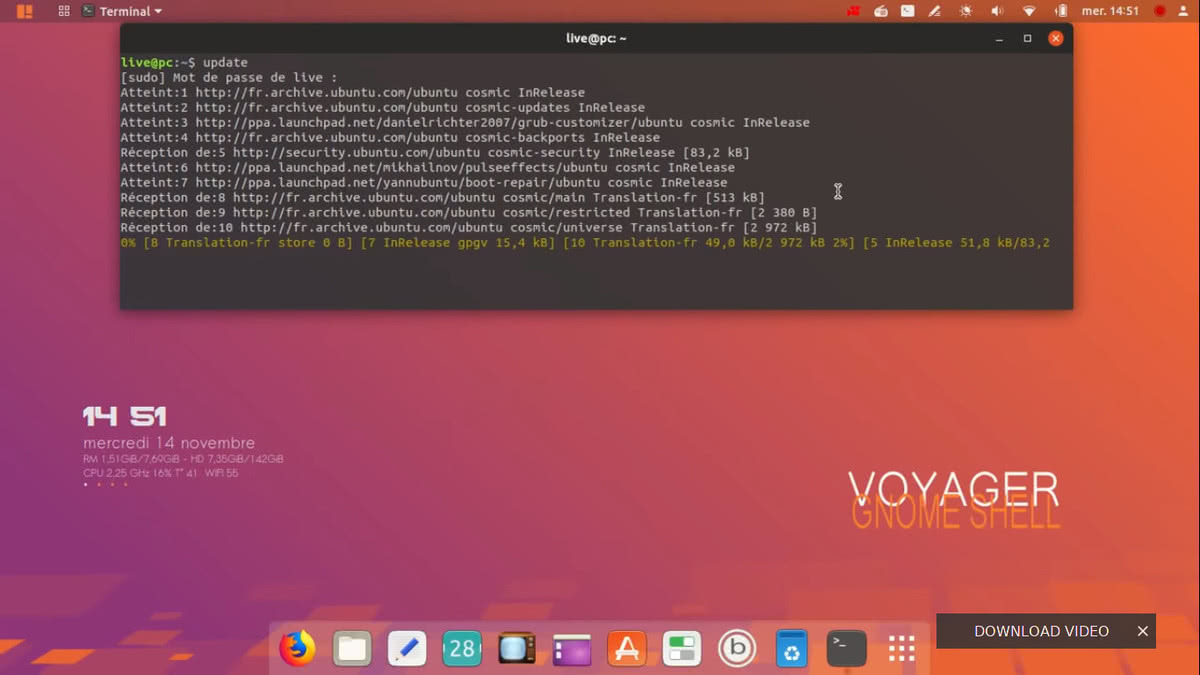 Voyager Live desktop screenshot
 | Status | Active |
| Home Page | https://voyagerlive.org/ |
| Page popularity | 68(7 hits per month) |
| Base distributions | |
| Desktop Environments | |
| Releases | |
| Screenshots |
Reviews of Voyager Live
Other stories on Voyager Live
- Voyager 26.10 Released with AI Kill Switch and Myna
- Voyager 25.10 Released: GNOME 49, Live and Install Edition
- Voyager 21.10 GE released with GNOME 40 and Linux 5.13
- Voyager 11 released with the Debian Bullseye Foundation and features GNOME Shell as the default
- Voyager GE 19.10 released with Eoan Ermine foundation
- Voyager 10 released with Debian Buster base, see screenshots
- Voyager - GE 18.10 introduces the GNOME Shell for the first time
Frequently asked questions on Voyager Live
-
Is Voyager Live based on Ubuntu or Debian?
Both. The Ubuntu-based editions descend from Xubuntu and follow Ubuntu's six-month release cycle, while the Debian edition (Voyager 13) is built on Debian 13 'Trixie'.
-
Is Voyager Live just Xubuntu with a new theme?
Historically the author described it as a customization layer over Xubuntu rather than a separate base, adding its own themes, tools and configuration on top of the same packages. Newer releases use GNOME as the main desktop.
-
Which desktop does Voyager Live use?
Early releases used Xfce. Starting with Voyager GE 18.10, GNOME Shell became the main desktop, and Xfce, the original desktop, is still listed among its desktop environments.
-
Where can I download Voyager Live?
Downloads are listed on the official website at voyagerlive.org. See our release posts below for what changed in each version.
Last updated: October 17, 2026
What do you think about Voyager Live?