Mauna Linux

Mauna Linux (formerly Amarok Linux) is a Debian Testing-based GNU/Linux distribution that brings newer software and a polished, ready-to-use desktop — without straying from the familiar Debian ecosystem. Where Debian Stable ships GNOME 43, Mauna Linux users get GNOME 48. That gap is what the project exists to close.
Download Mauna Linux from the official site
What is Mauna Linux?
Built on Debian Testing, Mauna Linux ships more recent packages than Debian Stable while maintaining a usable, preconfigured system. The project handles the setup work — codec support, application selection, desktop defaults — so users can get productive right after installation using the Calamares installer.
Originally launched as Amarok Linux, the project rebranded to Mauna Linux in August 2023 to mark a new direction in its development.
Key Features
- Debian Testing Base — newer packages than Debian Stable, updated continuously
- Calamares Installer — beginner-friendly graphical installation
- Preconfigured Desktop — essential apps included; minimal post-install setup needed
- Six Desktop Environments — from lightweight Xfce to full-featured KDE Plasma
- Independent Software Repository — additional updated packages beyond Debian Testing
Desktop Environments Available
Mauna Linux offers six desktop environment flavors, making it easy to pick the right fit for your hardware and workflow:
- Xfce — lightweight and fast; ideal for older hardware
- GNOME — modern, touch-friendly, and polished
- MATE — classic GNOME 2-style desktop for traditionalists
- Cinnamon — balanced; familiar to Windows users
- LXQt — minimal Qt-based desktop with a low memory footprint
- KDE Plasma — highly customizable and feature-rich
Who Should Use Mauna Linux?
Mauna Linux is a strong fit if you find yourself in one of these situations:
- You’re coming from Ubuntu or Linux Mint and want something closer to upstream Debian without managing a bare Debian install yourself
- You want newer application versions (recent GNOME, updated LibreOffice, fresh kernels) but find Debian Stable too conservative
- You’re a beginner who wants a working system out of the box, with a graphical installer and preinstalled essentials
- You want to choose your desktop environment at install time rather than committing to one later
Mauna Linux vs Debian
| Mauna Linux | Debian Stable | |
|---|---|---|
| Package freshness | Newer (Debian Testing base) | Conservative, long-term |
| Desktop setup | Preconfigured, ready to use | Minimal; requires configuration |
| Installer | Calamares (graphical) | Debian installer |
| Stability | Good, occasional attention needed during upgrades | Very high |
| Target user | Beginners to intermediate | Intermediate to advanced |
Because it tracks Debian Testing, Mauna Linux users get updates faster — but should expect occasional dependency changes or upgrade prompts that Debian Stable users rarely see.
Pros and Cons
Pros
- Ships newer software than Debian Stable
- Six desktop environment options at install time
- Beginner-friendly Calamares installer with minimal post-install setup
- Rooted in the well-documented Debian ecosystem
Cons
- Less stable than Debian Stable; upgrades occasionally need manual attention
- Small community — fewer forum threads, Stack Overflow answers, and tutorials compared to Ubuntu or Fedora
- Limited project-specific documentation; you’ll often rely on Debian upstream docs
FAQ
Is Mauna Linux based on Debian?
Yes. It uses Debian Testing as its base, which means packages are newer than Debian Stable but not as cutting-edge as rolling-release distributions like Arch or openSUSE Tumbleweed.
Is Mauna Linux beginner-friendly?
Yes. The Calamares graphical installer, preconfigured desktop, and bundled application selection make it accessible without requiring command-line setup.
What desktop environments are available?
Mauna Linux offers Xfce, GNOME, MATE, Cinnamon, LXQt, and KDE Plasma — selectable at download time.
Why was Amarok Linux renamed?
The project rebranded to Mauna Linux in August 2023 to reflect its evolving identity and separate itself from the KDE music player of the same name.
Mauna Linux releases regularly with updates tracked on the official magazine. Individual release notes are listed below.
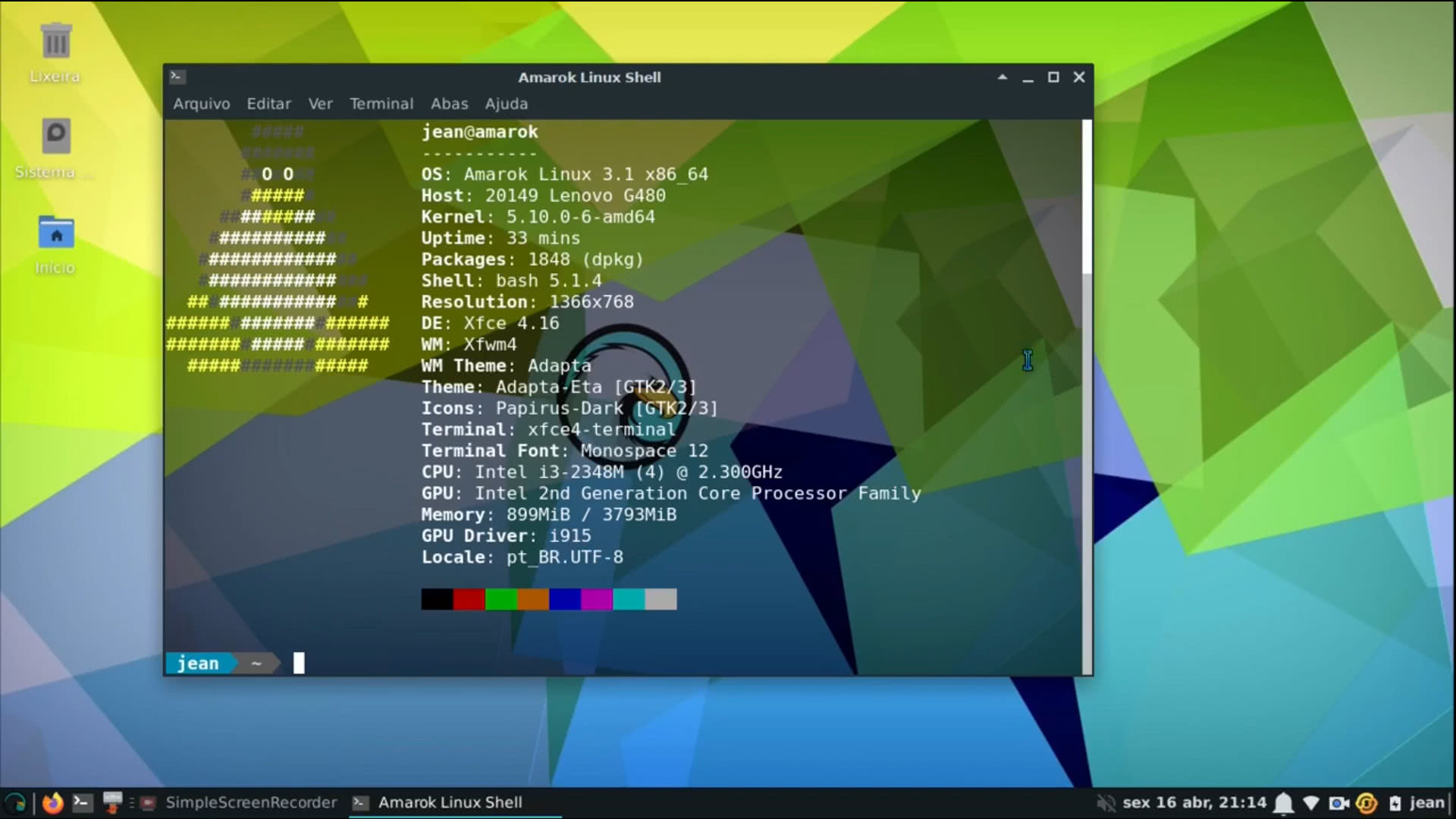 Mauna Linux 25 with Xfce Desktop Environment
 | Type | Linux |
| Status | Active |
| Home Page | https://maunalinux.top/ |
| News and Updates | https://magazine.maunalinux.top/ |
| Page popularity | 55(8 hits per month) |
| Base distributions | |
| Desktop Environments | |
| Releases |
|
Other stories on Mauna Linux
- Mauna Linux 25.3 Released with Debian 13.6, APT 3.3, and Mesa 26.0.1
- Mauna Linux 25.2 Released with APT 3.2, GIMP 3.2.2, and Calamares 3.4.2
- Mauna Linux 25 'Polaris' Released with GNOME 48 and Updated Software
- Mauna Linux 24.7 Released with Debian 12.11 Base, Latest Kernel, and More
- Mauna Linux 24.6 Released: Key Updates and Enhancements
- Mauna Linux 24.5 Officially Released – What’s New?
- Mauna Linux 24.3 introduces Advanced Hardware Enablement
- Mauna Linux 24.2 features Cinnamon 6 and Christian Edition
- Mauna Linux 24.1 is available now
- Mauna Linux 24 released with Debian Bookworm foundation
- Mauna Linux 23.9 released with Linux Kernel 6.4
- Amarok Linux 23.3 introduces exciting features and updates
- Amarok Linux 23 Cinnamon reduces RAM usage
- Amarok Linux 22.09 makes it easier to install NVidia drivers
- Amarok Linux 3.4.1 introduces KDE Plasma & LXQt flavors
- Amarok Linux 3.2 release introduces Cinnamon and MATE Desktop environments
- Amarok Linux 3.1.1 introduces GNOME as an official Desktop.
- New updates are available for Amarok 3.1
Last updated: August 29, 2026
What do you think about Mauna Linux?